





Claude AI Review 2026: I Tested Anthropic’s AI for Coding and Writing
Claude AI Review 2026: I Tested Anthropic’s AI for Coding and Writing
I’ve been using ChatGPT for months, but I kept hearing developers and writers rave about Claude. “Better at coding,” they said. “Handles huge documents,” they said. So I decided to put it to the test. I spent two weeks using Claude AI for real work — writing blog posts, debugging code, analyzing research papers, and even helping with my website’s SEO. I used both the free plan and a brief Pro trial. Here’s my honest Claude AI review.
What Is Claude AI? (And Why I Gave It a Shot)
Claude is Anthropic’s answer to ChatGPT — a conversational AI assistant that’s gained a reputation for being exceptionally good at coding, long-form writing, and careful instruction-following. Anthropic was founded by former OpenAI researchers who prioritized AI safety. Because of that, Claude is designed to be “helpful, harmless, and honest” — which means it’s more cautious than ChatGPT but also less likely to hallucinate[reference:0].
What caught my attention was the context window. While ChatGPT handles around 128K tokens, Claude’s Opus and Sonnet 4.6 models now support a massive 1 million tokens[reference:1]. That’s enough to process an entire codebase, a full novel series, or hundreds of pages of documentation in one go. As someone who sometimes needs to analyze long research papers for my blog, this sounded incredibly useful.
How I Tested Claude — My Process
I gave myself five real-world tasks to evaluate Claude AI:
- Write a blog post draft — similar to my existing AI tool reviews, to compare writing quality with ChatGPT
- Debug a Python script — a messy script I’d been struggling with for my website’s data analysis
- Analyze a research paper — upload a 50-page PDF and ask for a summary and key takeaways
- Create an SEO-optimized product description — for an affiliate tool I’m promoting
- Review my own website content — ask Claude to critique my About page and suggest improvements
I used the free plan for most of my testing, then briefly upgraded to Pro ($20/month) to test Opus model access and higher rate limits[reference:2].
First Impressions — The Interface
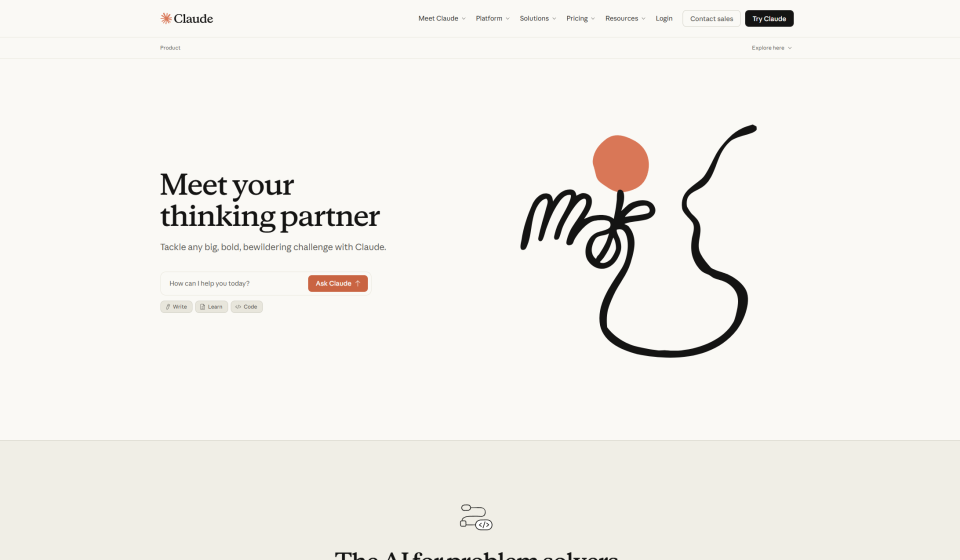
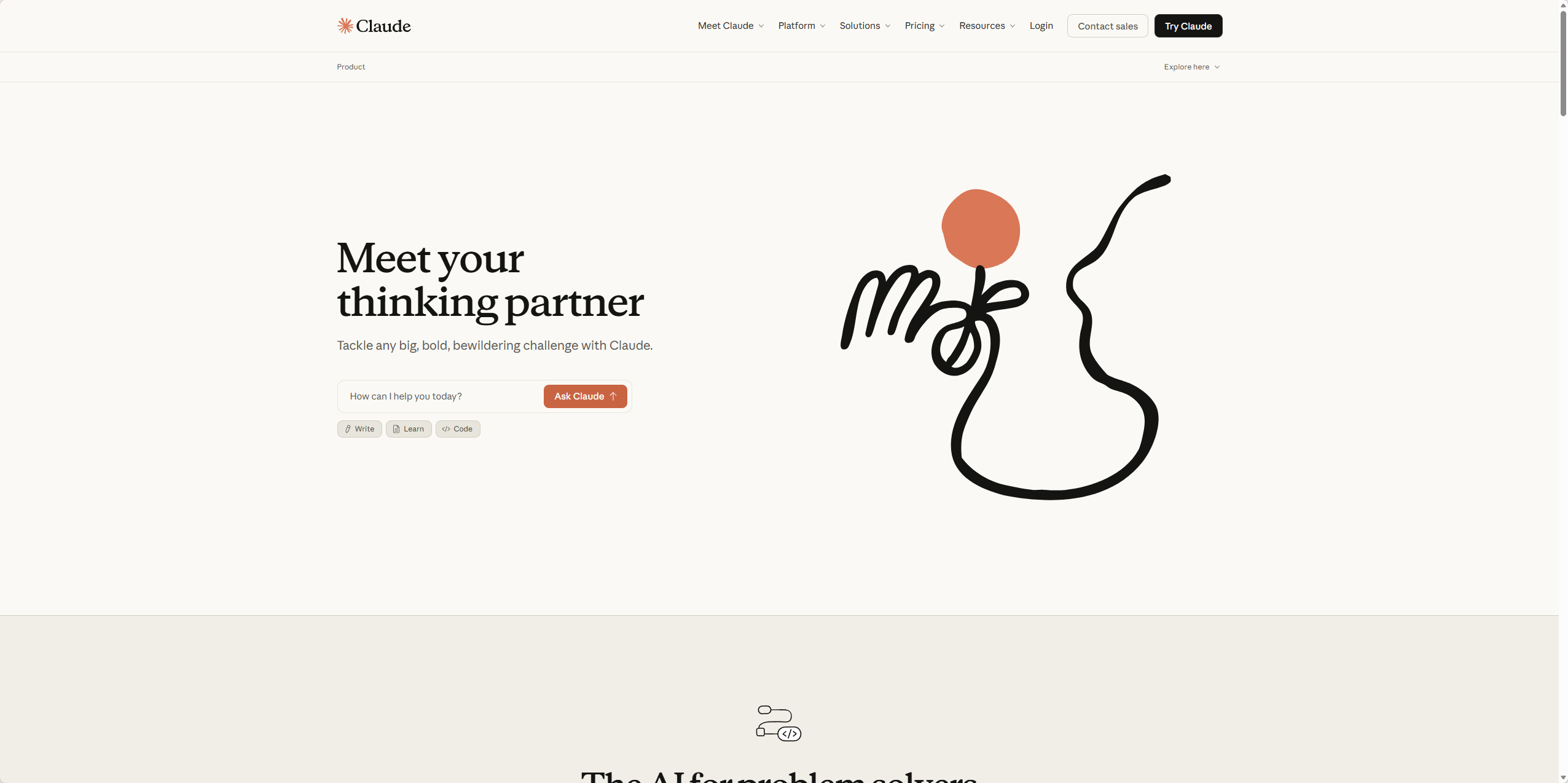
Claude’s web interface is clean and minimalist. No distractions, no ads, just a chat window. I appreciated that — it felt more focused than ChatGPT’s cluttered dashboard. One thing I immediately noticed: Claude doesn’t generate images. Unlike ChatGPT with DALL·E integration, Claude is text-only. That’s fine for my use case (I use dedicated image tools anyway), but worth noting if you need AI art generation.
Signing up was straightforward. I used my Google account, verified my email, and I was in. No waiting list, no credit card required for the free plan.
Test 1: Writing a Blog Post Draft
I asked Claude to write a blog post introduction about “AI tools for small business owners.” I gave it the same prompt I’d used with ChatGPT for my earlier articles. Claude’s response was structured, professional, and slightly more formal than ChatGPT’s. The tone was consistent throughout, and it didn’t go off on tangents.
Here’s a snippet of what Claude generated:
“Running a small business means wearing every hat imaginable — marketing, customer support, bookkeeping, and more. What if you could reclaim hours each week? AI tools aren’t just for tech giants anymore. Small businesses are using them to automate repetitive tasks, improve customer response times, and even generate content. In this guide, I’ll share five AI tools that deliver real ROI without breaking the bank.”
I then asked Claude to expand the outline into a full 1,000-word draft. It delivered in about 30 seconds. The content was well-organized, with clear headings and smooth transitions. However, I noticed it was slightly less creative than ChatGPT — it stuck closely to the outline and didn’t add unexpected insights. For straightforward, factual writing, Claude excels. For creative, punchy marketing copy, I still prefer ChatGPT.
Test 2: Debugging a Python Script — Where Claude Shines
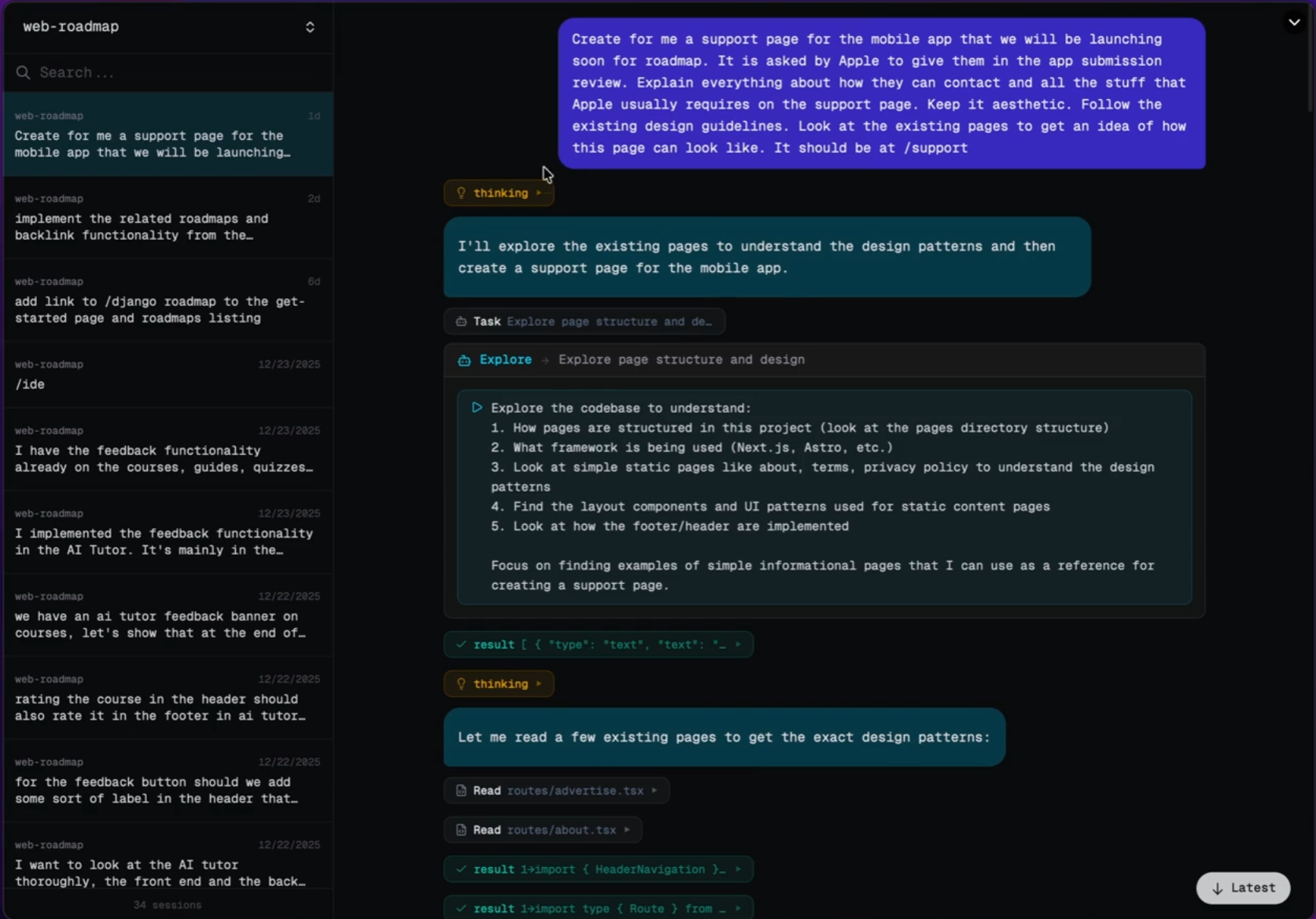
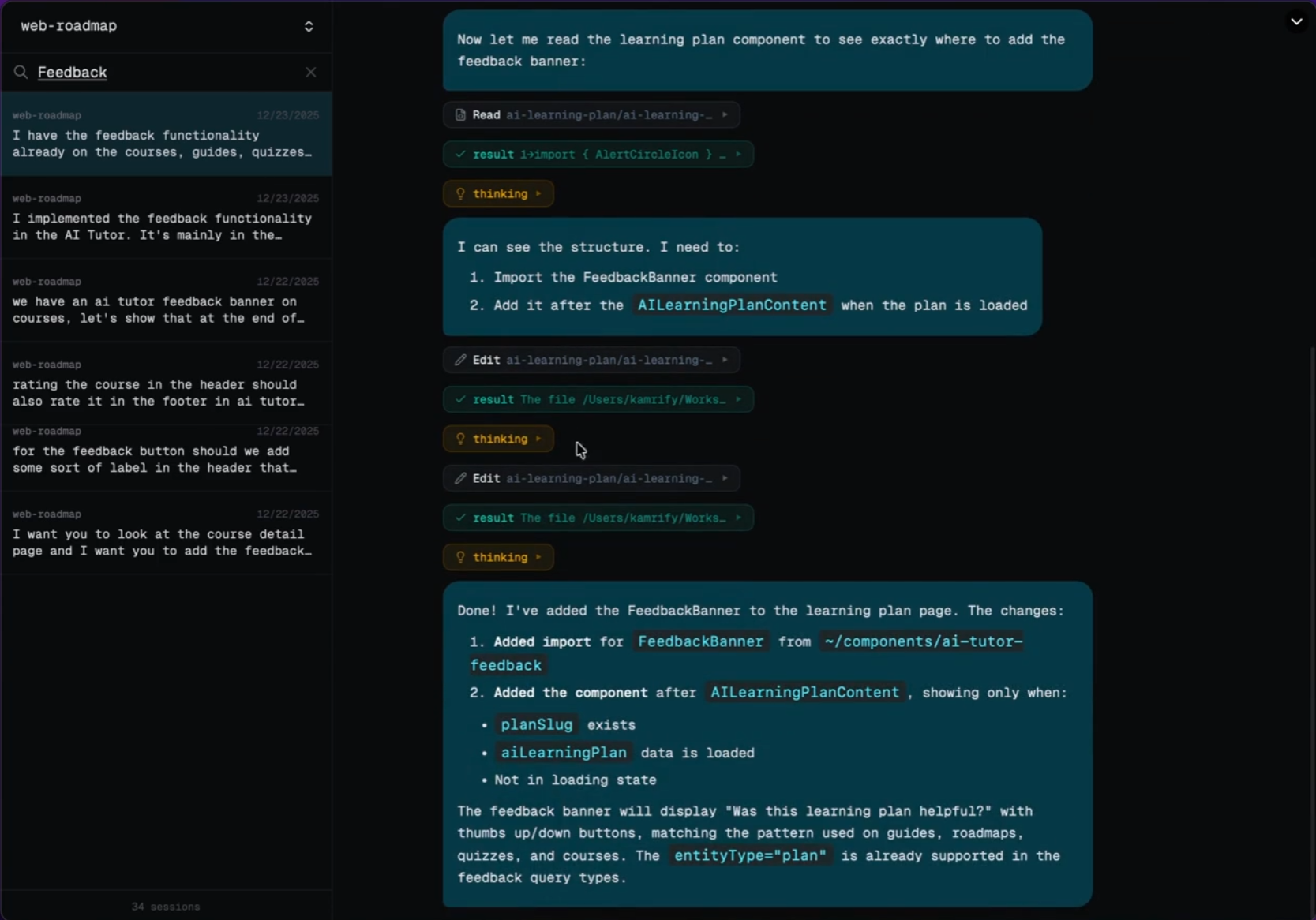
This was the test I was most excited about. I had a Python script for analyzing my website’s search console data that kept throwing an encoding error. I pasted the entire script (about 150 lines) into Claude and asked it to find the bug.
Within seconds, Claude identified the issue: I was trying to read a CSV file without specifying the correct encoding parameter. It explained the problem clearly and provided the corrected code snippet. Then it went a step further — it suggested adding error handling for similar edge cases and recommended a more efficient way to parse the data.
I fixed the script using Claude’s suggestions, and it worked perfectly on the first run. This single interaction saved me at least an hour of manual debugging. I’ve used ChatGPT for coding help before, but Claude felt more precise and thorough. It didn’t just give me a fix — it explained why the error happened and how to prevent it in the future.
Test 3: Analyzing a Research Paper (50-Page PDF)
I uploaded a 50-page PDF research paper on AI ethics (something I needed for background on an upcoming article). Within seconds, Claude processed the entire document — no chunking, no “file too large” errors. This is where its large context window really shines[reference:3].
I asked Claude for:
- A 200-word executive summary
- The top 3 key takeaways
- Limitations mentioned in the study
- Suggestions for further reading based on the references
Claude delivered all of this accurately and quickly. The executive summary was concise and captured the paper’s core argument. The key takeaways matched what I would have noted myself. This saved me hours of reading time. For research-heavy content, Claude is a game-changer.
Test 4: Creating an SEO Product Description
I needed a product description for an affiliate tool I’m promoting (a grammar checker). I asked Claude to write a 200-word description targeting the keyword “best grammar checker for bloggers.”
Claude produced a clean, persuasive description that included the keyword naturally, highlighted key features (real-time checking, tone suggestions, plagiarism detection), and ended with a call to action. I used about 80% of it directly, only tweaking a few sentences to match my brand voice. It saved me about 20 minutes of writing.
Test 5: Reviewing My Website Content
I pasted my website’s About page into Claude and asked for feedback. It pointed out that the page was too short (under 400 words), lacked specific examples of my expertise, and didn’t have a clear call to action. It then provided a rewritten version with suggestions for improvement. I ended up incorporating about half of its ideas — the feedback was genuinely useful, not generic.
Claude AI Pricing — Free vs Pro vs Max
Here’s the breakdown as of 2026:
PlanPriceModel AccessKey Limits
Free$0/monthSonnet (standard model)Rate-limited, access to File Creation, Connectors, Skills, Compaction[reference:4]Pro$20/month ($17/month if paid annually)Sonnet + Opus accessHigher rate limits, Opus usage may be capped after heavy use[reference:5]Max 5x$100/monthFull access5x more usage than ProMax 20x$200/monthFull access20x more usage than Pro
>
From my testing, the free plan is surprisingly capable. With recent updates, free users now get File Creation (generate Word docs, Excel sheets, PowerPoint presentations, PDFs), Connectors (connect to Google Drive, Notion, Slack), Skills (custom instructions), and Compaction (conversation summaries) — all features that were previously paid-only[reference:6][reference:7].
The Pro plan at $20/month unlocks Opus model access (Anthropic’s most powerful model) and higher rate limits. In my testing, I hit free plan limits after about 20-30 substantial conversations in a day. For a casual user, the free plan is plenty. For daily heavy use, Pro is worth considering.
What I Liked About Claude AI
- Coding assistance is genuinely excellent — Claude saved me hours of debugging. It explains errors clearly and suggests improvements proactively.
- Massive 1M token context window — I can upload entire research papers, long documents, or even small codebases without hitting limits[reference:8].
- Clean, focused interface — No distractions. Just chat.
- Generous free plan — File creation, connectors, and skills are now available to free users — a huge upgrade from earlier this year[reference:9].
- Less hallucination than ChatGPT — In my testing, Claude made up fewer facts. It’s more likely to say “I don’t know” than to invent an answer.
- Structured, professional writing — For formal content, technical documentation, or business communication, Claude’s output is consistently polished.
What I Didn’t Like
- No image generation — Unlike ChatGPT (DALL·E) or Gemini, Claude is text-only. You’ll need separate tools for AI art.
- Can be overly cautious — Claude refused a few harmless requests that ChatGPT handled easily. For example, it wouldn’t help me draft a mildly satirical product description because it “could be misleading.” That’s good for safety, but frustrating at times.
- Less creative than ChatGPT — For punchy marketing copy, catchy headlines, or brainstorming wild ideas, ChatGPT still wins.
- Opus model access on Pro is rate-limited — After heavy coding sessions (about 1-2 hours), I hit usage caps and had to wait[reference:10]. For serious developers, the $100/month Max plan might be necessary.
- Claude.ai domain is blocked in some regions — Depending on where you are, you may need workarounds to access it[reference:11].
Claude AI vs ChatGPT — My Honest Take
After two weeks of testing, here’s how I see the comparison:
- Writing quality: Claude is more structured and professional; ChatGPT is more creative and conversational. For blog posts, I’d use Claude for research-heavy pieces and ChatGPT for engaging, personality-driven content.
- Coding: Claude wins. Its code debugging and explanation are more thorough. ChatGPT is good, but Claude feels more precise.
- Context window: Claude’s 1M tokens vs ChatGPT’s ~128K — Claude wins easily for long documents[reference:12].
- Image generation: ChatGPT (with DALL·E) wins — Claude doesn’t have this at all.
- Price: Both have solid free tiers. ChatGPT Plus is $20/month, same as Claude Pro. But ChatGPT’s free tier is more generous with GPT-4o access, while Claude’s free tier now includes file creation and connectors[reference:13].
- Safety / refusal rate: Claude is more cautious — less likely to generate harmful content, but also more likely to refuse borderline requests.
My honest opinion: Neither is objectively “better.” They excel at different things. I’ll keep using both — ChatGPT for creative writing and quick research, Claude for coding, long document analysis, and technical writing.
Who Should Use Claude AI?
- Developers and programmers — Claude’s coding assistance is top-tier. It’s worth the Pro subscription if you code daily.
- Researchers and students — The 1M token context window lets you upload entire papers, books, or datasets. Perfect for literature reviews or data analysis.
- Technical writers — For documentation, user guides, or structured reports, Claude’s writing is consistently clear and professional.
- Anyone who needs long document analysis — If you regularly work with long PDFs, contracts, or reports, Claude is a time-saver.
Who should skip it? If you need image generation, stick with ChatGPT or dedicated image tools. If you prefer more creative, less cautious AI, ChatGPT is better suited. If you’re on a tight budget, Claude’s free plan is solid, but ChatGPT’s free tier offers GPT-4o access with higher rate limits.
Final Verdict — Will I Keep Using Claude AI?
After two weeks of testing, I’m impressed. Claude isn’t replacing ChatGPT for me — they serve different purposes. I’ll keep Claude in my toolkit for coding tasks, long document analysis, and professional writing. The free plan is generous enough for my current needs (about 10-15 conversations per week). If my coding workload increases, I’d consider upgrading to Pro for Opus model access and higher rate limits.
The recent updates bringing file creation, connectors, and skills to free users make Claude a much more compelling option. Six months ago, the free plan was too limited. Now, it’s genuinely useful for everyday work[reference:14].
My final rating: ⭐ 4.4/5 — loses points for no image generation and occasional over-cautiousness, but wins on coding, long context, and free tier features.
FAQ
Q: Is Claude AI really free?
A: Yes, there’s a free plan with access to the Sonnet model, file creation, connectors, and skills — all recently added to free users. Rate limits apply, but for casual use, it’s plenty.
Q: Can Claude generate images?
A: No, Claude is text-only. Use DALL·E (via ChatGPT), Midjourney, or Leonardo.ai for image generation.
Q: Is Claude better than ChatGPT for coding?
A: In my testing, yes. Claude’s debugging and code explanation are more thorough. It’s particularly good at understanding large codebases thanks to its 1M token context window.
Q: What’s the 1M context window good for?
A: Uploading entire research papers, books, code repositories, or long legal documents. ChatGPT typically handles ~128K tokens, so Claude’s 1M is a significant upgrade.
Q: Can I use Claude for SEO content?
A: Yes. Claude writes structured, professional content. I used it for product descriptions and blog drafts. Just be specific with your instructions and provide keyword targets.