Midjourney Review 2026: I Tested the AI Art Generator for 30 Days
Midjourney Review 2026: I Tested the AI Art Generator for 30 Days
AI image generation has exploded over the past two years. I’ve tested Leonardo.ai and Canva AI for my blog graphics, but I kept hearing that Midjourney is the gold standard for artistic quality. The catch? It’s not free, and it runs inside Discord — not a web app. I decided to find out if it’s worth the hype and the monthly fee. I subscribed to Midjourney’s Standard plan ($30/month) and spent 30 days generating images for my blog, social media, and even some personal projects. Here’s my honest Midjourney review.
What Is Midjourney? (And Why I Gave It a Shot)
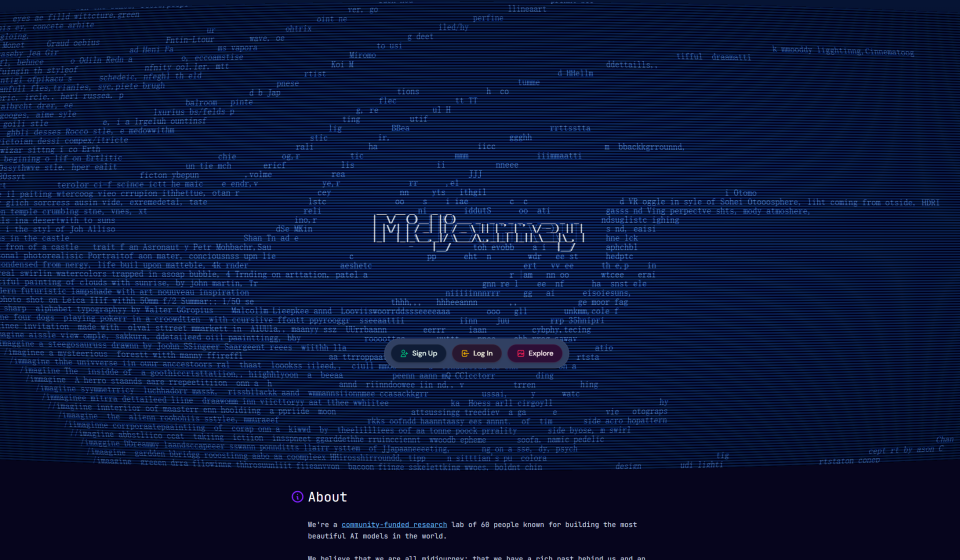
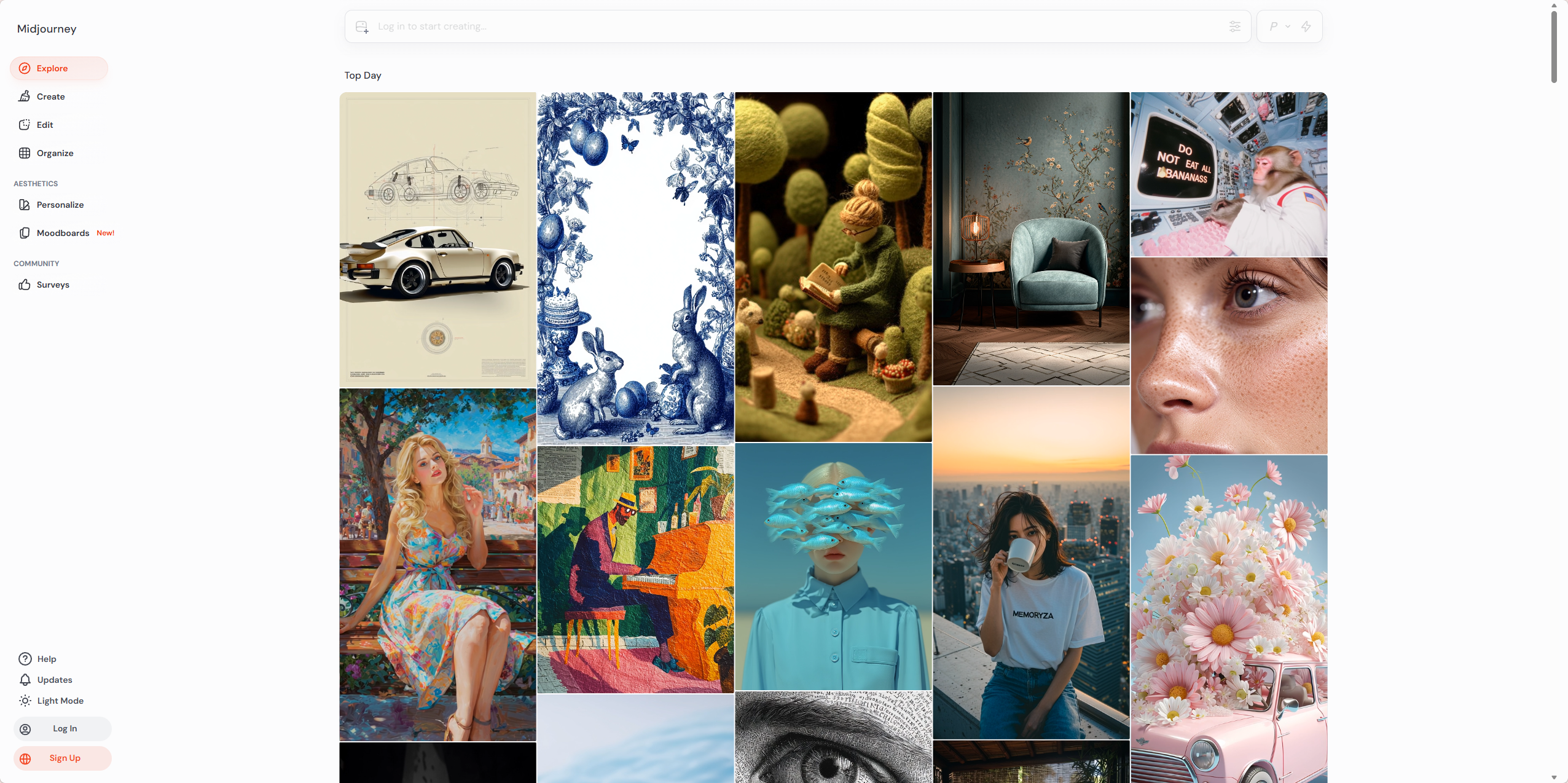
Midjourney is an AI image generator developed by an independent research lab. Unlike DALL·E or Leonardo.ai, Midjourney doesn’t have a web interface — you use it entirely through Discord commands. You type `/imagine` followed by a prompt, and the bot returns four images in about 30-60 seconds.
What attracted me was the artistic reputation. Everywhere I looked, the most stunning AI art — fantasy landscapes, character designs, moody portraits — came from Midjourney. I wanted to see if a regular blogger like me could get similar results without spending hours learning prompt engineering.
How I Tested Midjourney — My Process
I gave myself four real-world tasks to evaluate Midjourney:
- Create a blog header image for my upcoming AI tools roundup post
- Generate a social media graphic — Instagram-style, vibrant and attention-grabbing
- Design a character concept — something I could use for a fictional brand identity
- Compare the same prompts on Midjourney vs Leonardo.ai to see which I preferred
I used the Standard plan ($30/month) for 30 days, generating about 500-600 images total. I also briefly tested the Relax mode (unlimited slower generations) and Fast mode (faster but uses GPU hours).
First Impressions — The Discord Learning Curve
Honestly, the Discord requirement was frustrating at first. I’m used to web apps like Leonardo or Canva where everything is visual. With Midjourney, I had to learn commands: `/imagine`, `–ar 16:9` for aspect ratio, `–v 6` for the latest model, `–stylize 500` for more artistic flair.
After about an hour of experimenting, I got the hang of it. The Midjourney Discord server is massive — millions of members — so the chat moves fast. I ended up using direct messages with the Midjourney bot to keep my generations private. That worked well.
The image quality, even on my first attempts, was impressive. The default v6 model produces images with rich lighting, good composition, and a distinct painterly quality that I hadn’t seen in other tools.
Test 1: Blog Header Image
I needed a header image for a post about “10 AI Tools for Bloggers.” I wanted something futuristic but not too dark, with a tech vibe.
My prompt: /imagine futuristic workspace with floating holographic screens, warm lighting, professional desk setup, high quality, 16:9 --v 6 --stylize 300
The first generation gave me four options. Option 2 was nearly perfect — good composition, warm colors, the holograms looked realistic. I upscaled it (a one-click option) and used it directly on my blog. No further editing needed.
On Leonardo.ai, I tried the same prompt. The result was good but flatter — less depth in the lighting, less realistic textures. Midjourney’s output just felt more premium.
Test 2: Social Media Graphic
I asked Midjourney to create a vibrant Instagram-style graphic with the text “AI Tools That Save Time.” Midjourney can’t generate readable text reliably — that’s a known limitation of most AI image generators. The text came out as gibberish.
So I adjusted my approach. I generated a background image (abstract neon waves) and added the text later using Canva. That worked perfectly. The background image was stunning — rich gradients, smooth transitions, no weird artifacts.
For pure background generation, Midjourney excelled. For text-heavy graphics, I still needed Canva or Photoshop.
Test 3: Character Concept
I’m not a game designer, but I wanted to test Midjourney’s character consistency. I generated a character — a “cyberpunk hacker with a glowing visor” — and then tried to generate the same character in different poses and settings.
Midjourney’s character consistency is improving with v6, but it’s not perfect. Without using seed values or reference images, the same prompt produced variations in clothing, face shape, and color palette. For professional character design, you’d need to invest time in learning Midjourney’s advanced features (like image prompts and seed locking).
For my purposes — one-off illustrations — the inconsistency didn’t matter. Each individual image looked great.
Test 4: Side-by-Side Comparison — Midjourney vs Leonardo.ai
I ran the same five prompts on both Midjourney (v6) and Leonardo.ai (Phoenix 2.0). Here’s what I found:
- Artistic quality: Midjourney won every time. The lighting, texture, and composition were consistently better.
- Photorealism: Leonardo was closer to realistic photos. Midjourney’s images look like art, not photographs.
- Prompt understanding: Tie. Both understood complex prompts well.
- Speed: Leonardo (15-20 seconds) was faster than Midjourney Fast mode (30-60 seconds).
- Ease of use: Leonardo’s web interface is much easier than Discord.
- Price: Leonardo has a generous free tier. Midjourney starts at $10/month (Basic) but the free tier is gone.
My take: If you want beautiful, artistic images and don’t mind paying, Midjourney is worth it. If you’re on a budget or need quick, simple graphics, Leonardo.ai is a solid alternative.
Midjourney Pricing — Basic vs Standard vs Pro vs Mega
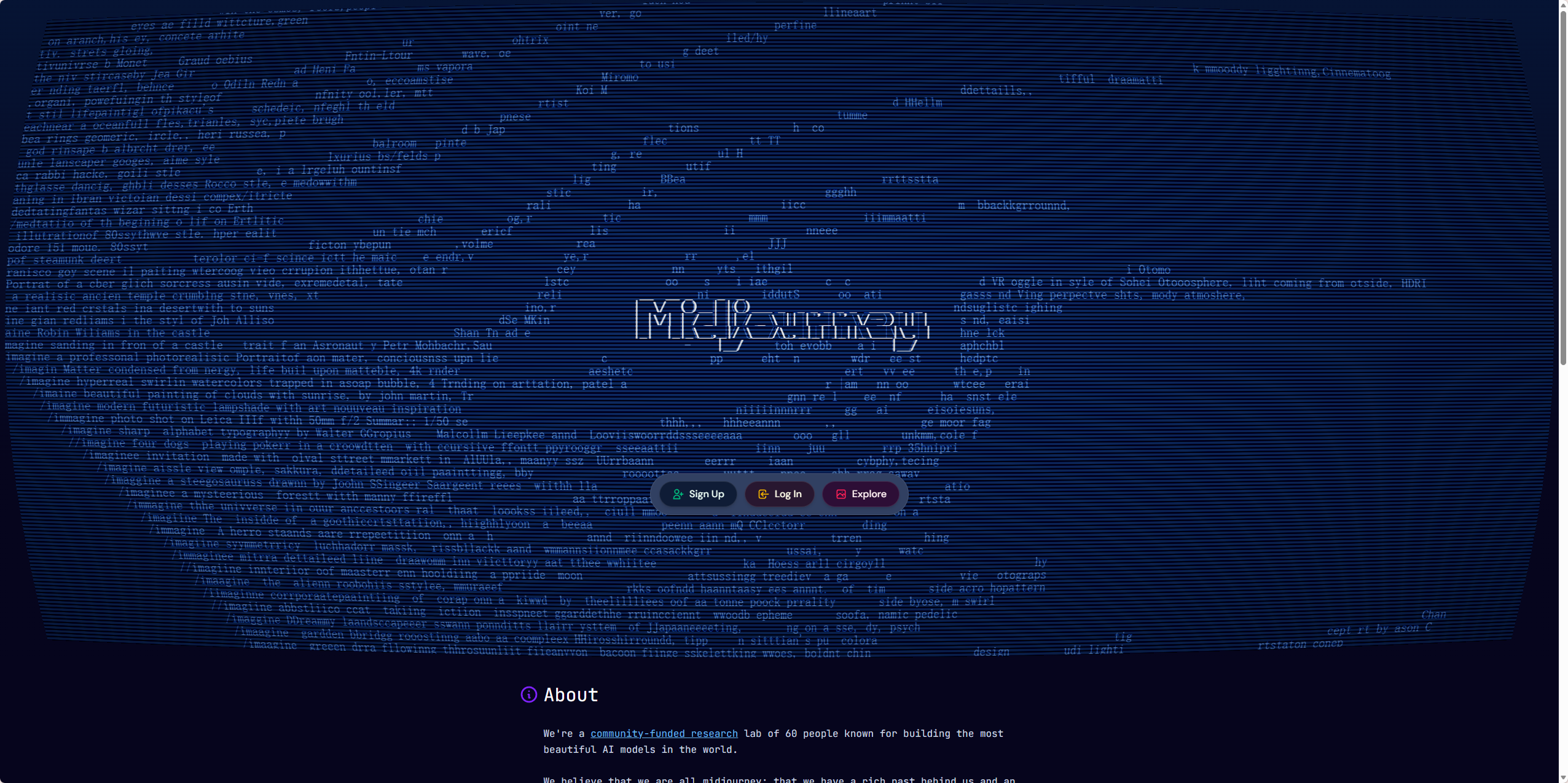
Here’s the breakdown as of 2026:
PlanPriceFast GPU TimeRelax GPU TimeConcurrent JobsStealth Mode
| Basic | $10/month | 3.3 hr/month | No | 3 | No |
| Standard | $30/month | 15 hr/month | Unlimited | 3 | No |
| Pro | $60/month | 30 hr/month | Unlimited | 12 | Yes |
| Mega | $120/month | 60 hr/month | Unlimited | 12 | Yes |
>
I used the Standard plan ($30/month). The 15 Fast GPU hours were enough for my 30-day test — I generated about 500 images and still had 4 hours left. The Relax mode (unlimited slower generations) was great for non-urgent testing. I could queue up prompts and come back later.
If you’re a casual user, the Basic plan at $10/month might be enough (3.3 Fast hours is roughly 100-150 images). For daily use, Standard is the sweet spot. Pro is for heavy users or professionals who need Stealth mode (private generations).
What I Liked About Midjourney
- Exceptional artistic quality — The best I’ve tested. Lighting, composition, textures — all top-tier.
- V6 model is a big improvement — Better anatomy, fewer weird hands, more coherent scenes.
- Active community — Millions of users sharing prompts and techniques. I learned a lot just by watching.
- Regular updates — The Midjourney team releases new features frequently. V6 dropped a few months ago, and they’re already testing v6.1.
- Commercial use allowed — Even on the Basic plan, you own the images you generate (with some conditions).
What I Didn’t Like
- Discord-only interface — This is the biggest barrier. I would pay more for a web app.
- No free tier anymore — The free trial ended in 2023. You have to pay to test it.
- Learning curve — Commands, parameters, aspect ratios — it’s not beginner-friendly.
- Inconsistent character generation — Hard to get the same character across multiple images.
- Slow in Relax mode — Generations can take 2-5 minutes. Fast mode is fine, but you pay per GPU hour.
- Can’t generate readable text — Like most AI image generators, text comes out as gibberish.
Midjourney vs DALL·E 3 vs Leonardo.ai — My Honest Take
After 30 days, here’s how I see the landscape:
- Midjourney: Best artistic quality. Best for fantasy, sci-fi, concept art, and anything where “beautiful” matters. Worst for beginners. No free tier.
- DALL·E 3 (via ChatGPT): Best for photorealism and text rendering. Easiest to use (web interface, natural language prompts). $20/month for ChatGPT Plus includes DALL·E 3.
- Leonardo.ai: Best free tier. Good quality, web interface, more control than DALL·E. Free tier is generous (150 daily tokens).
For my blog, I’ll use all three depending on the task: Midjourney for beautiful header images and backgrounds, DALL·E for photorealistic product shots, and Leonardo for quick, free generations when I’m out of Midjourney credits.
Who Should Use Midjourney?
- Artists and designers — Midjourney is a legitimate creative tool. Many professionals use it for concept art and inspiration.
- Content creators — YouTube thumbnails, social media graphics, blog headers — Midjourney’s quality stands out.
- Game developers — Character design, environment art, item icons. Midjourney excels here.
- Anyone who values artistic quality over ease of use — If you’re willing to learn the commands, the results are worth it.
Who should skip it? Casual users who just want quick, free images — stick with Leonardo.ai or Canva AI. Anyone who hates Discord — seriously, the interface is a dealbreaker for many. People who need photorealistic images — DALL·E 3 is better.
Final Verdict — Will I Keep My Subscription?
After 30 days, I’m keeping Midjourney. The Standard plan at $30/month is worth it for my use case. I generate about 10-20 blog and social images per week, and the quality difference from Leonardo is noticeable. The Discord interface still annoys me, but I’ve gotten used to it.
I do wish there was a cheaper plan for light users. $10/month for 3.3 Fast hours (maybe 100 images) is fair, but I’d love a $15-20 plan with more Relax access and fewer Fast hours. Maybe in the future.
For now, Midjourney is my go-to for artistic images. For quick, free generations, I still use Leonardo.ai. And for photorealism, I use DALL·E 3.
My final rating: ⭐ 4.5/5 — loses points for Discord-only interface and learning curve, but the image quality is unmatched in its class.
FAQ
Q: Is Midjourney free?
A: No. The free trial ended in 2023. Plans start at $10/month for the Basic plan (3.3 Fast GPU hours).
Q: Can I use Midjourney images commercially?
A: Yes, as long as you have a paid subscription. Free users (during the trial period) did not have commercial rights.
Q: Do I need Discord to use Midjourney?
A: Yes. Midjourney only works through Discord commands. There is no official web app.
Q: Is Midjourney better than DALL·E 3?
A: For artistic, stylized images — yes. For photorealism and text rendering — DALL·E 3 is better. They excel at different things.
Q: How many images can I generate per month?
A: It depends on your plan and generation speed. On the Standard plan (15 Fast hours), you can generate roughly 500-1000 images depending on resolution and upscaling. Relax mode gives you unlimited slower generations.