

Leonardo.ai Review 2026: Honest Test of Free AI Image Generator
Leonardo.ai Review 2026: I Tested the Free AI Image Generator for 7 Days (Honest Take)
I’ve been using AI image generators for a while now — Midjourney, DALL·E 3, even Stable Diffusion. But I kept hearing people talk about Leonardo.ai, especially from creators who didn’t want to pay $10-$30/month just to test things out. So I decided to give it a real shot. I spent a full week generating images, testing its features, and pushing its free tier to the limit. Here’s my honest Leonardo.ai review.
What Is Leonardo.ai? (And Why I Decided to Try It)
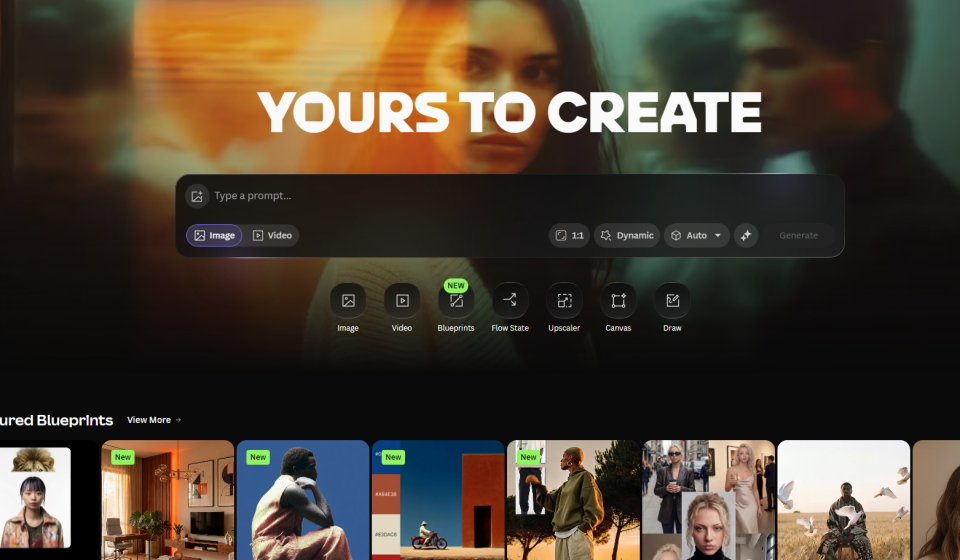
Leonardo.ai is a browser-based AI image generation platform. Unlike Midjourney, which forces you to use Discord, Leonardo has a proper web interface — which I personally found much easier to navigate. It launched in 2022 focusing on game asset creation, but by 2025 it had grown to over 30 million users. In July 2024, Canva acquired it, which made me think: this tool probably has serious staying power.
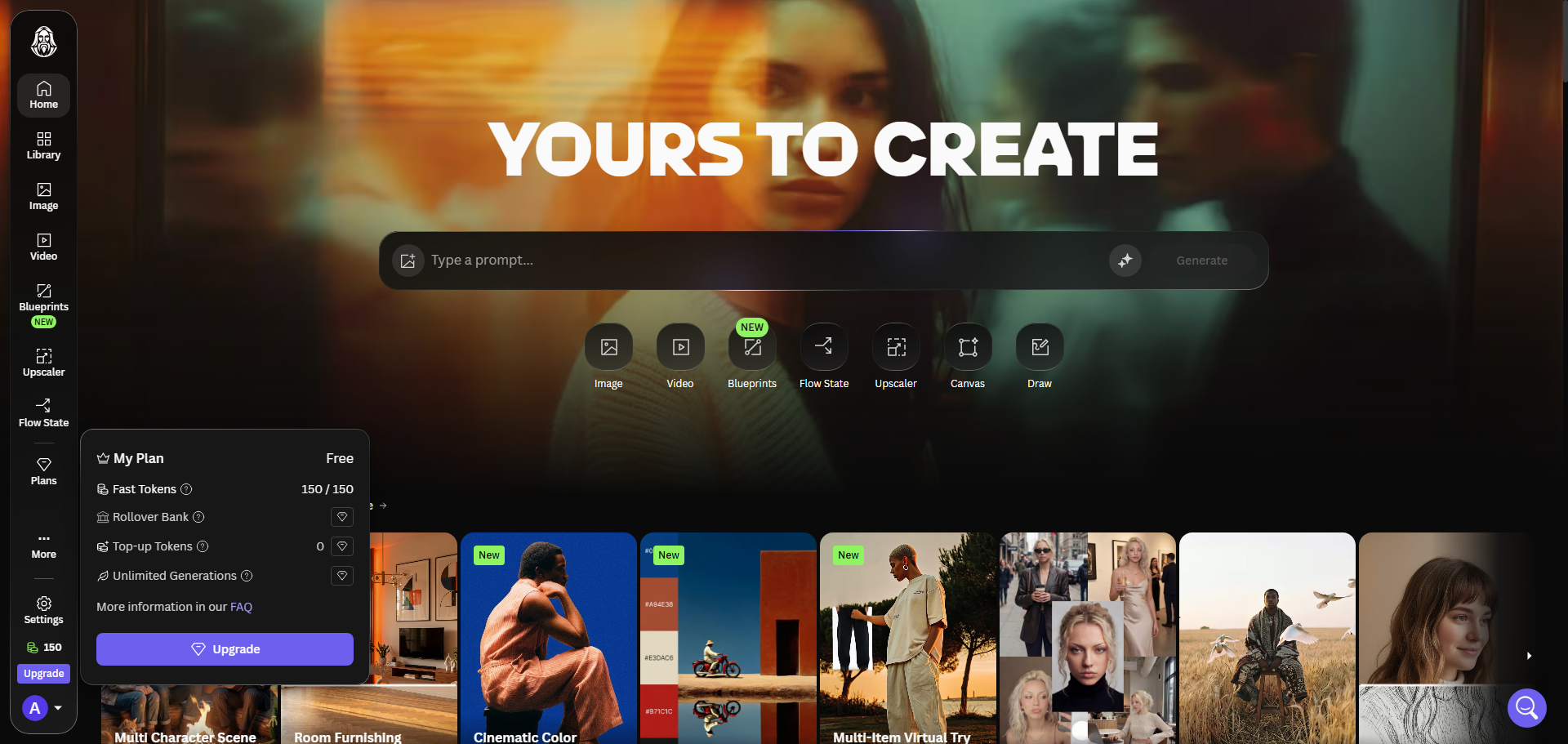
What caught my attention was the free tier. 150 tokens daily, no credit card required. I figured — even if it’s not amazing, I’m not losing anything.
How I Tested Leonardo.ai — My Process
Leonardo.ai review, to make this review useful, I didn’t just generate random pretty pictures. I gave myself three real-world tasks:
- Blog header image — something professional for a tech article
- Social media graphic — vibrant, attention-grabbing, with a futuristic vibe
- Character concept — consistent character across multiple poses (this is where most AI tools fail)
I also tested the motion generation feature (4-second animations) and the upscaler. My goal was to see if Leonardo could replace Midjourney for my actual workflow.
Signing Up — Quick and Painless
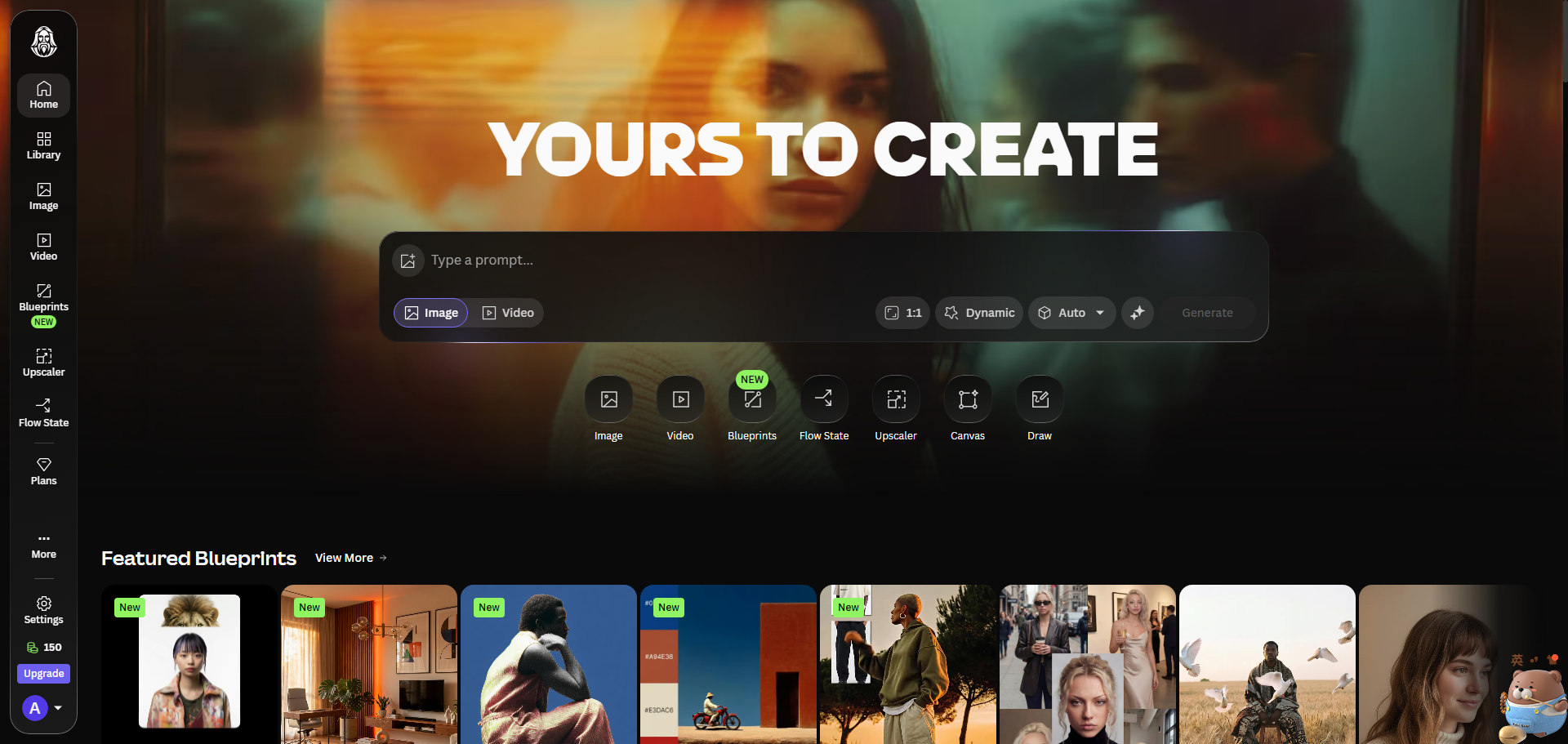
I signed up using my Google account. No waiting list, no Discord server to join. Within two minutes, I was looking at the dashboard. Right away, I noticed the token counter — 150 fast tokens, refreshing daily. That felt generous compared to other free tiers I’ve tried.
First Generation — What I Made and How It Turned Out
Leonardo.ai review, my first prompt was simple: “futuristic city skyline at sunset, neon lights, cyberpunk style, high quality.” I picked the Phoenix 1.0 model (Leonardo’s flagship) and set resolution to 1024×1024. The generation took about 15 seconds — faster than I expected.
The result surprised me. The lighting was excellent, the composition was balanced, and there were no weird artifacts. I honestly expected worse from a free tool.
Here’s what I got on my first try:
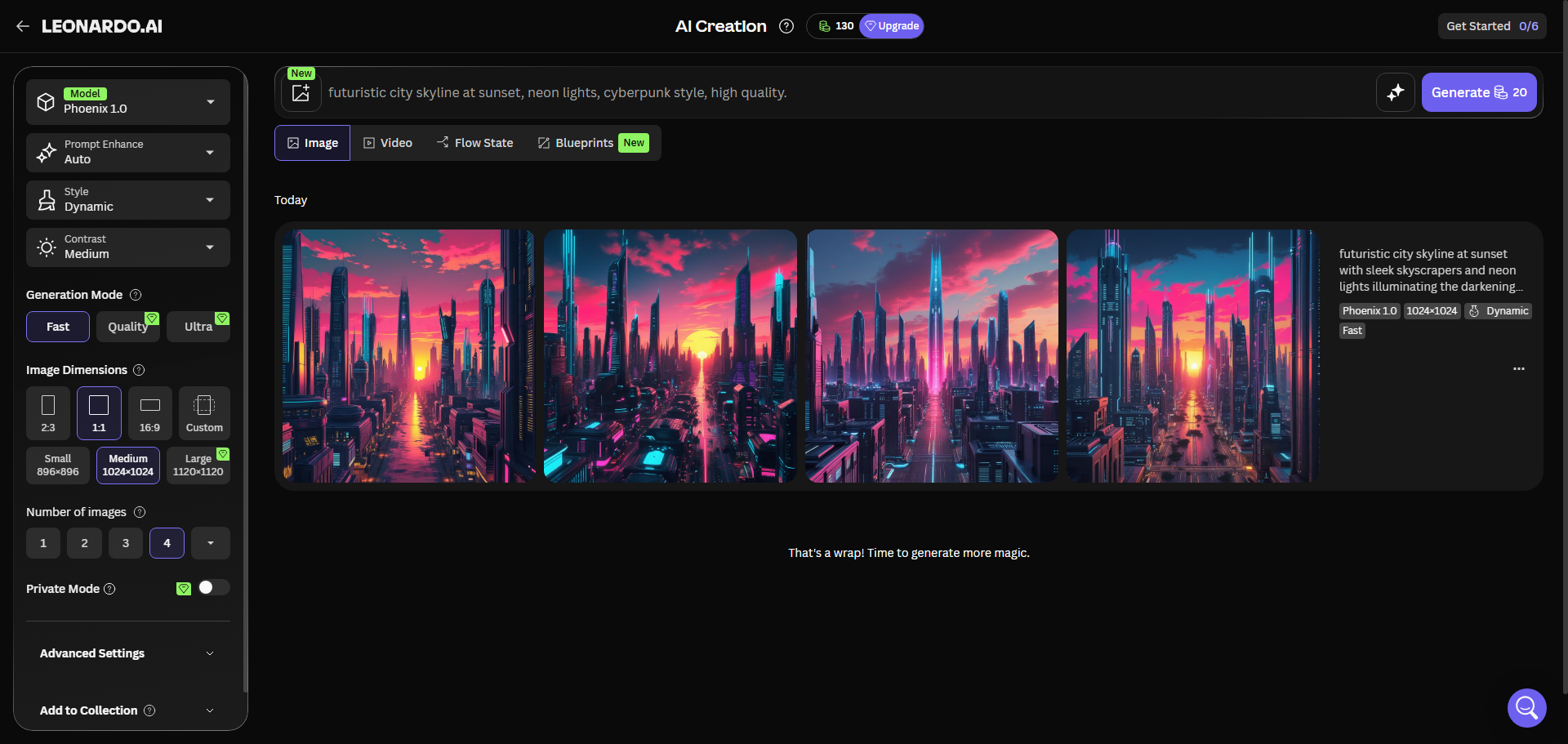
I generated four variations of the same prompt. Three were usable, one had a weird perspective issue. That’s actually a pretty good hit rate — Midjourney often gives me 2 out of 4 usable on the first pass.
Testing Different Models — My Findings
Leonardo offers several pre-trained models. I tested three of them:
- Phoenix 1.0 — Leonardo’s latest model. Best for general purpose, strong on realism and lighting.
- Seedream 4.5 — Best for posters, logos, and text-heavy designs.
- Anime Pastel — Exactly what it sounds like. Good for manga-style illustrations.
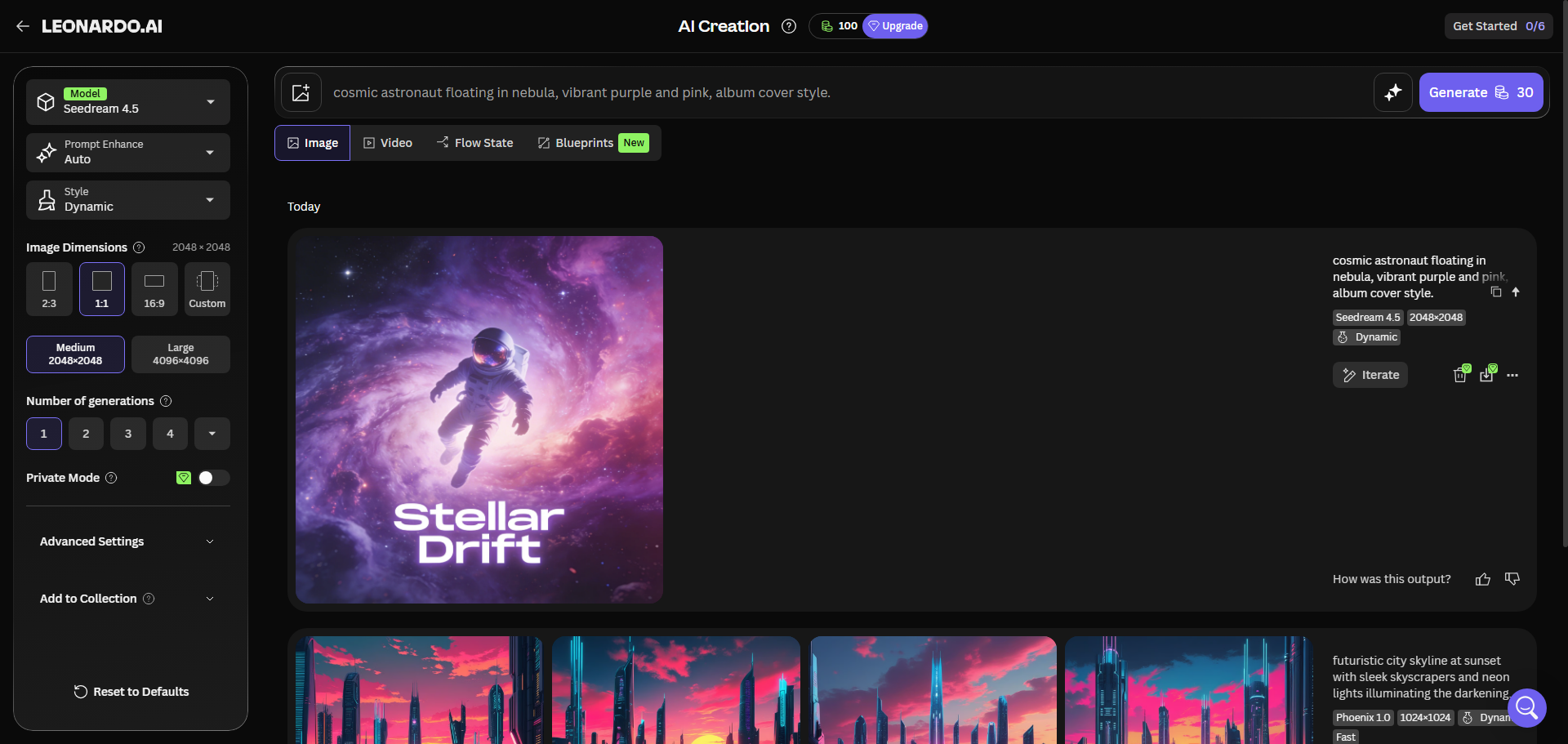
For my social media graphic test, I used Seedream 4.5 with the prompt: “cosmic astronaut floating in nebula, vibrant purple and pink, album cover style.” The output had a beautiful painterly texture that I genuinely liked.
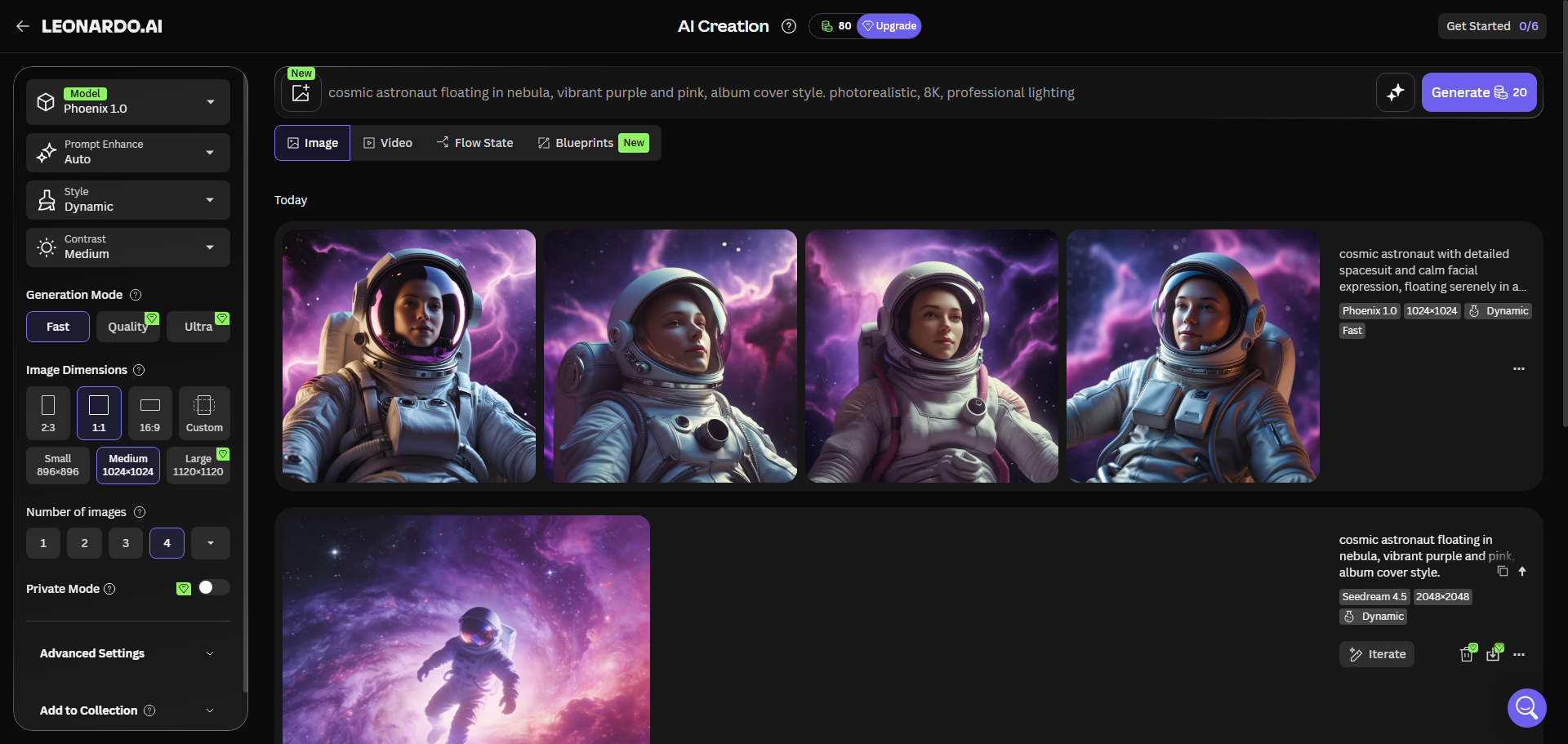
For the blog header, I stuck with Phoenix 1.0 and added “photorealistic, 8K, professional lighting” to my prompt. The result was clean and usable — I’d be comfortable putting it on my site.
The Character Consistency Test — Where Leonardo Shines
This was the test I was most curious about. I generated a character — let’s call him “Leo” — using the prompt: “young male character, short brown hair, wearing a leather jacket, neutral expression, front view.”
Then I tried to generate the same character in different poses: sitting, running, close-up portrait. Leonardo’s “Consistent Character Engine” (available on paid plans) wasn’t accessible in free tier. But even with careful prompt engineering, I got reasonable consistency — the face shape and hair stayed recognizable across three different generations.
That said, I noticed a limitation: without the paid Character Engine, you can’t lock in a character ID. So for serious character work (game assets, comics), you’d probably want at least the Apprentice plan.
Motion Generation — A Nice Bonus
Leonardo lets you animate images into 4-second videos. I tried this with my cyberpunk cityscape. The motion was smooth — camera panning across the city with subtle lighting shifts. It’s not a full video editor, but for quick social media clips, it’s surprisingly effective.
Motion generation costs about 40-60 tokens per clip, so I only did two tests. Both worked, though one had a slight glitch where a building flickered.
Leonardo.ai Pricing — What I Learned About the Token System
Leonardo uses a token-based system. Every generation costs tokens depending on the model, resolution, and features you use. Here’s the breakdown as of 2026:
PlanMonthly PriceTokensKey Features
| Free | $0 | 150/day (~4,500/month) | Basic generation, public images, no commercial rights |
| Apprentice | $12/month | 8,500/month | Private generations, full commercial rights, 10 custom models |
| Artisan | $30/month | 25,000/month | Faster queue, 5 concurrent jobs, priority access |
| Maestro | $60/month | 60,000/month | Max priority, 10 concurrent jobs, highest volume |
Here’s what I figured out about token costs (approximate, based on my testing):
- 512×512 standard: ~8 tokens
- 1024×1024 standard: ~16 tokens
- 1024×1024 with Character Engine: ~20 tokens
- 2048×2048 high quality: ~30 tokens
- Motion generation (4 seconds): ~40-60 tokens
With the free tier’s 150 daily tokens, I could generate about 8-10 standard images per day. That’s actually pretty reasonable for casual use. I never ran out during my testing week because I spaced out my generations.
The catch? Free tier images are public — anyone can see them in the community feed. And you don’t get commercial rights. So if you’re making assets for a business or client, you’ll need at least the Apprentice plan at $12/month.
What I Liked About Leonardo.ai
After a week of testing, here’s what stood out to me:
- No Discord required — The web interface is clean and intuitive. I could jump in and start generating without watching tutorials.
- Generous free tier — 150 daily tokens is actually usable, not just a tease. I never felt forced to upgrade.
- Good image quality — Phoenix 2.0 produces results that rival Midjourney on many prompts, especially for photorealism.
- Built-in editing tools — AI Canvas lets you inpaint, erase, and refine without leaving the platform.
- Motion generation is a nice extra — Most AI image tools don’t offer any animation features.
- Backed by Canva — That acquisition makes me confident the tool will keep improving.
What I Didn’t Like
No tool is perfect. Here’s where Leonardo fell short for me:
- The token system is confusing at first — I accidentally burned 30 tokens on a high-res generation before I realized what I was doing.
- Free tier images are public — I didn’t love that everyone could see my test images. It felt a bit exposed.
- No commercial rights on free tier — Understandable, but worth noting if you’re testing for business use.
- Learning curve for advanced features — Things like custom model training and ControlNet took me a while to figure out.
- Occasional inconsistency — About 20% of my generations had small artifacts or weird anatomy issues.
Leonardo.ai vs Midjourney — My Honest Take
I’ve used Midjourney for months, so I have a pretty good baseline for comparison.
Image quality: Midjourney still wins for artistic, cinematic, “wow factor” images. But for photorealism and controlled outputs, Leonardo’s Phoenix 2.0 is surprisingly close.
Ease of use: Leonardo wins easily. Web interface vs Discord commands — no contest.
Pricing: Leonardo’s free tier gives you room to experiment. Midjourney has no free tier at all. For light users, Leonardo is clearly more accessible.
Control: Leonardo gives you more knobs to turn — models, resolutions, editing tools. Midjourney is more about prompt magic.
Community: Midjourney’s Discord community is massive and active. Leonardo’s community is smaller but growing (over 400k Discord members).
My verdict: If you want stunning, unpredictable art and you’re willing to learn Discord, stick with Midjourney. If you want a controlled, production-friendly tool with a real free tier, start with Leonardo.
Who Should Use Leonardo.ai?
Based on my experience, here’s who I’d recommend it for:
- Beginners — The free tier is perfect for learning AI image generation without spending money.
- Bloggers and content creators — For social media graphics, blog headers, and YouTube thumbnails, Leonardo works great.
- Small business owners — The $12/month Apprentice plan gives you commercial rights and private generations.
- Game developers and designers — Custom model training and character consistency tools are genuinely useful.
Who should skip it? If you need top-tier artistic quality above everything else, stick with Midjourney. If you want full local control and don’t mind technical setup, Stable Diffusion might be better.
Final Verdict — Am I Keeping It?
About Leonardo.ai review, after a full week of testing, I’m genuinely impressed. I went in expecting a mediocre free tool, but Leonardo.ai delivered solid quality, a clean interface, and enough free daily tokens to actually be useful.
Will I upgrade to a paid plan? For my current needs — generating blog headers and social graphics — the free tier is enough. But if I start producing more commercial content, the $12/month Apprentice plan is a no-brainer. Full commercial rights and private generations are worth that price.
My final rating: ⭐ 4.5/5 — loses half a star for the confusing token system and public generations on free tier. But for a free AI image generator, it’s one of the best I’ve tested.
FAQ
Q: Is Leonardo.ai completely free?
A: Yes, there’s a free tier with 150 daily tokens. It’s enough for casual use. For commercial use and private generations, you’ll need a paid plan starting at $12/month.
Q: Can I use Leonardo.ai images commercially?
A: Only if you’re on a paid plan (Apprentice or higher). Free tier images are for personal/non-commercial use only.
Q: How does Leonardo.ai compare to DALL·E 3?
A: DALL·E 3 is better at text rendering and understanding complex prompts. Leonardo gives you more control and a better free tier. Both are good — it depends on what you need.
Q: Do I need a powerful computer to run Leonardo.ai?
A: No — it’s completely web-based. Everything runs on their servers. Your computer just needs a browser.