


Rytr Review 2026: I Tested the Free AI Writer for a Week
Rytr Review 2026: I Tested the Free AI Writer for a Week (Honest Take)
I’ve tested several AI writing tools over the past few months. Some are expensive, some are overhyped, and some actually deliver value. Recently, I kept hearing about Rytr — a budget-friendly AI writer that claims to offer solid features without breaking the bank. I decided to put it to the test. I spent a full week using Rytr’s free plan (10,000 characters/month) for real tasks: blog outlines, product descriptions, social media posts, and email copy. Here’s my honest Rytr review.
What Is Rytr? (And Why I Gave It a Shot)
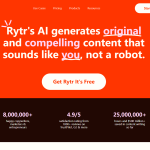
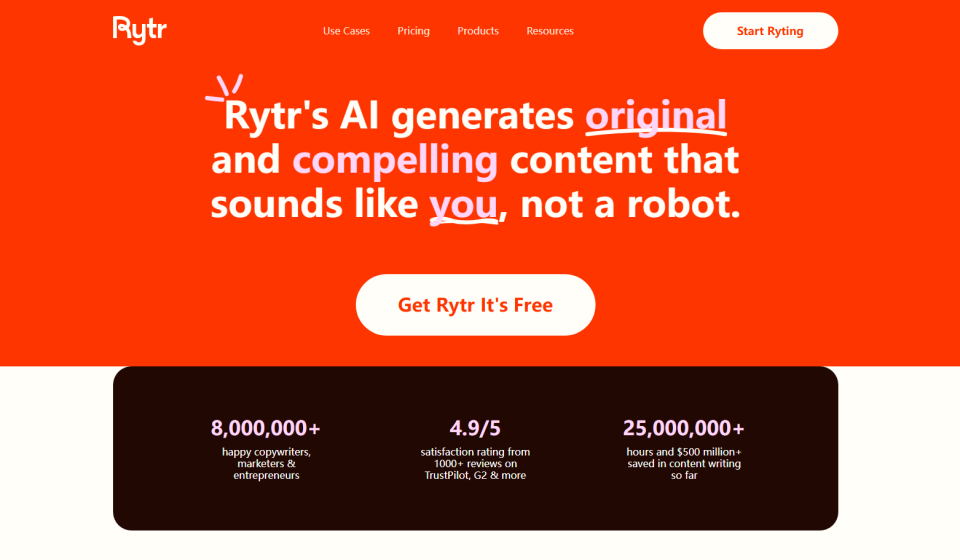
Rytr is an AI writing assistant designed for freelancers, bloggers, and small business owners who need affordable, fast content generation. Launched in 2021, it has built a loyal user base by making AI writing accessible to people who can’t justify $49+/month for premium tools like Jasper or Writesonic. The platform runs on a template-based system with 40+ pre-built use cases — from blog ideas and email copy to social media posts and product descriptions. You pick a use case, provide some context, select a tone of voice, and Rytr generates content in seconds. It’s built for speed and simplicity, not depth.
How I Tested Rytr — My Process
I gave myself four real-world tasks to evaluate Rytr:
- Write a blog introduction and outline for an article about “5 AI tools for small businesses”
- Generate a product description for a tool I’m reviewing
- Create 5 social media posts about AI trends
- Write a cold email for outreach to other bloggers
I used the free plan for all my tests, which gives you 10,000 characters per month — about 1,500-2,000 words. No credit card required, no time limit. That’s enough to write a few short blog posts or a bunch of social captions.
Signing Up — Quick and Painless
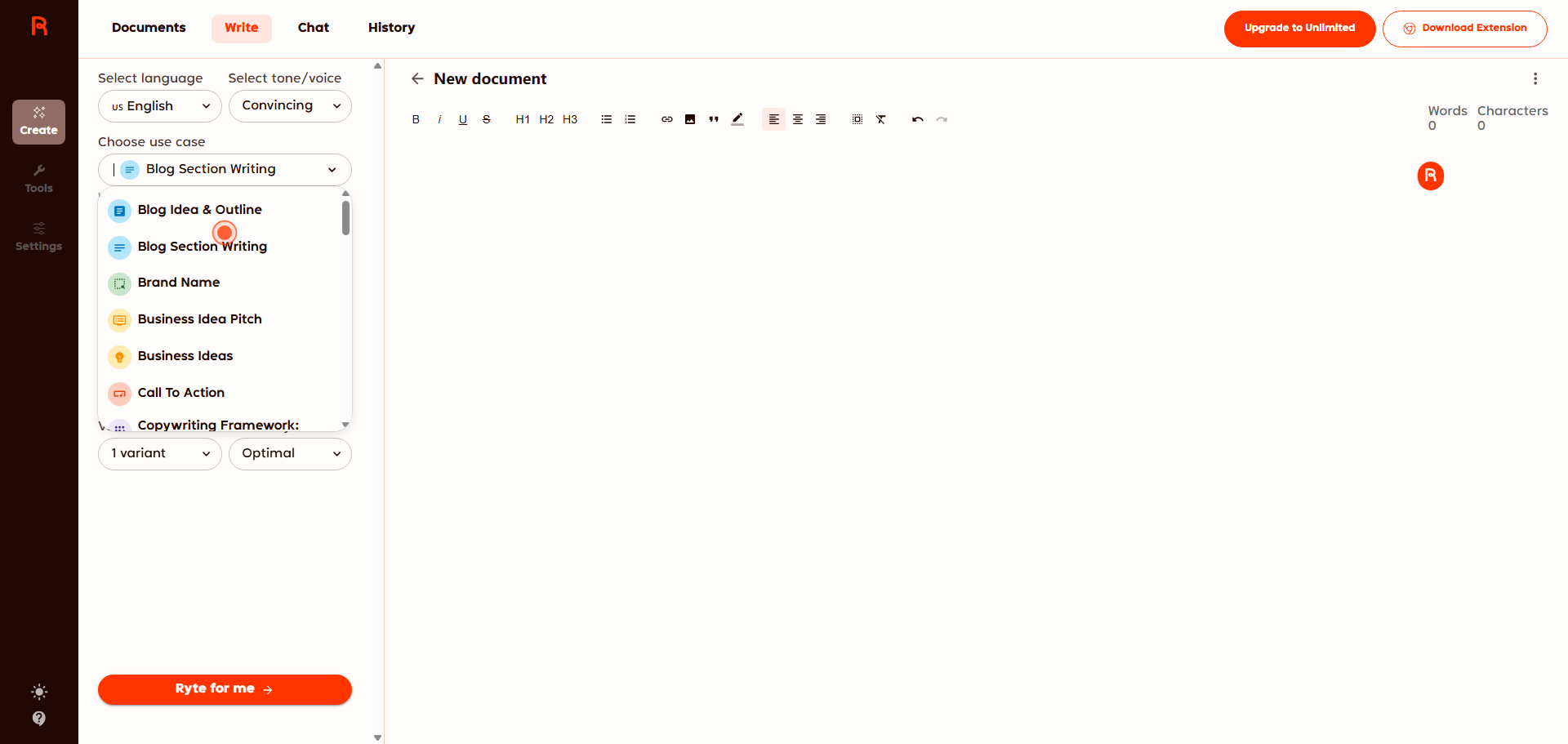
Signing up took about 30 seconds with my Google account. No waiting list, no email confirmation needed. Right away, I was in the dashboard. The interface is clean and straightforward — on the left, you have the use case selector; on the right, the content editor. I appreciated that there was no learning curve. I just picked a template and started typing.
Test 1: Blog Introduction and Outline
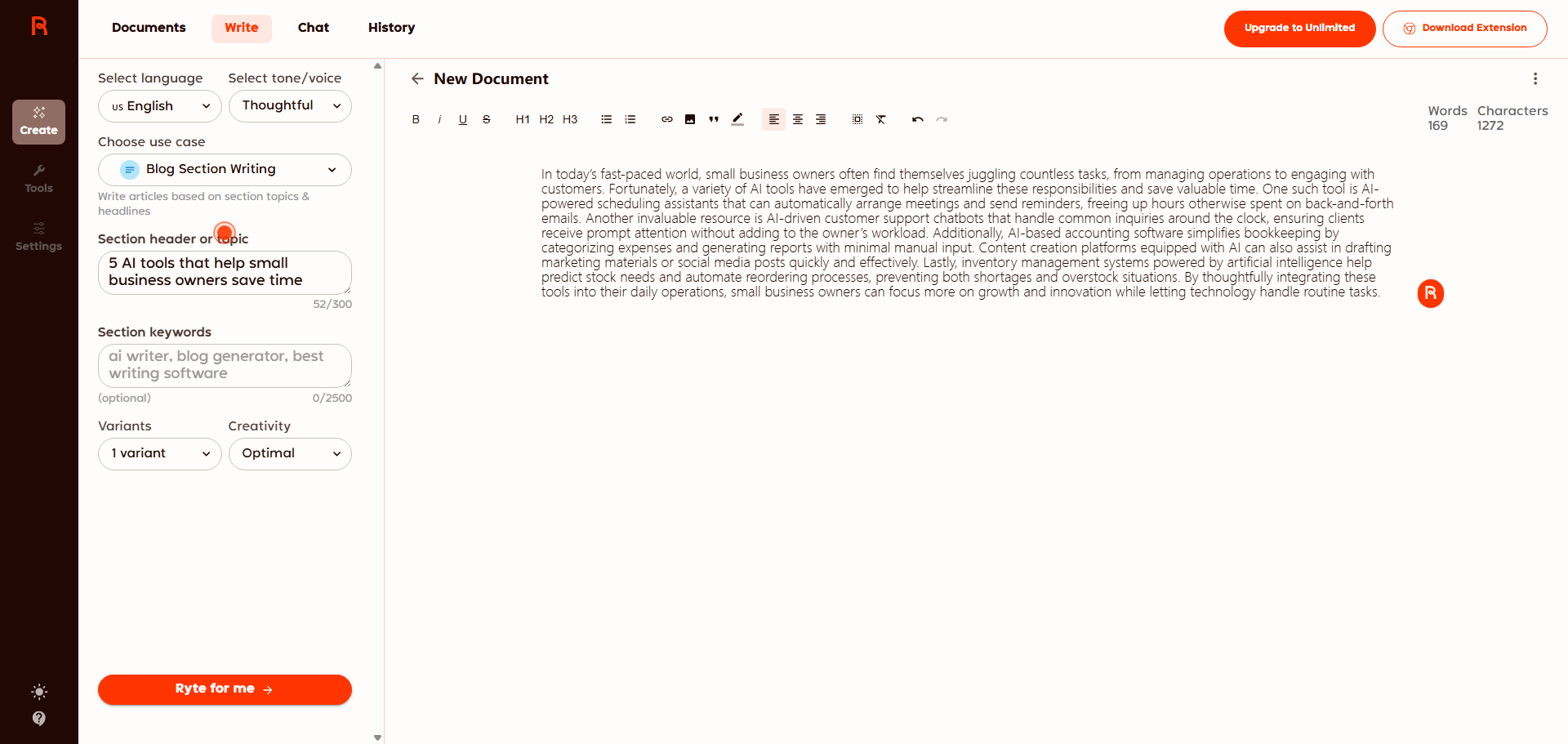
I selected the “Blog Section Writing” template. Rytr asked for a topic and a few keywords. I entered: “5 AI tools that help small business owners save time” and set the tone to “Thoughtful.”
Within 5 seconds, Rytr generated a solid introduction. Here’s what I got:
“In today’s fast-paced world, small business owners often find themselves juggling countless tasks, from managing operations to engaging with customers. Fortunately, a variety of AI tools have emerged to help streamline these responsibilities and save valuable time. One such tool is AI-powered scheduling assistants that can automatically arrange meetings and send reminders, freeing up hours otherwise spent on back-and-forth emails. ……”
That’s actually pretty good for a first draft. It’s not perfect — I’d probably tweak the wording — but it gave me a strong starting point. I also tested the “Blog Ideas” template, which generated 10 topic suggestions in seconds. About 7 of them were usable. That alone saved me 20 minutes of brainstorming.
Test 2: Product Description
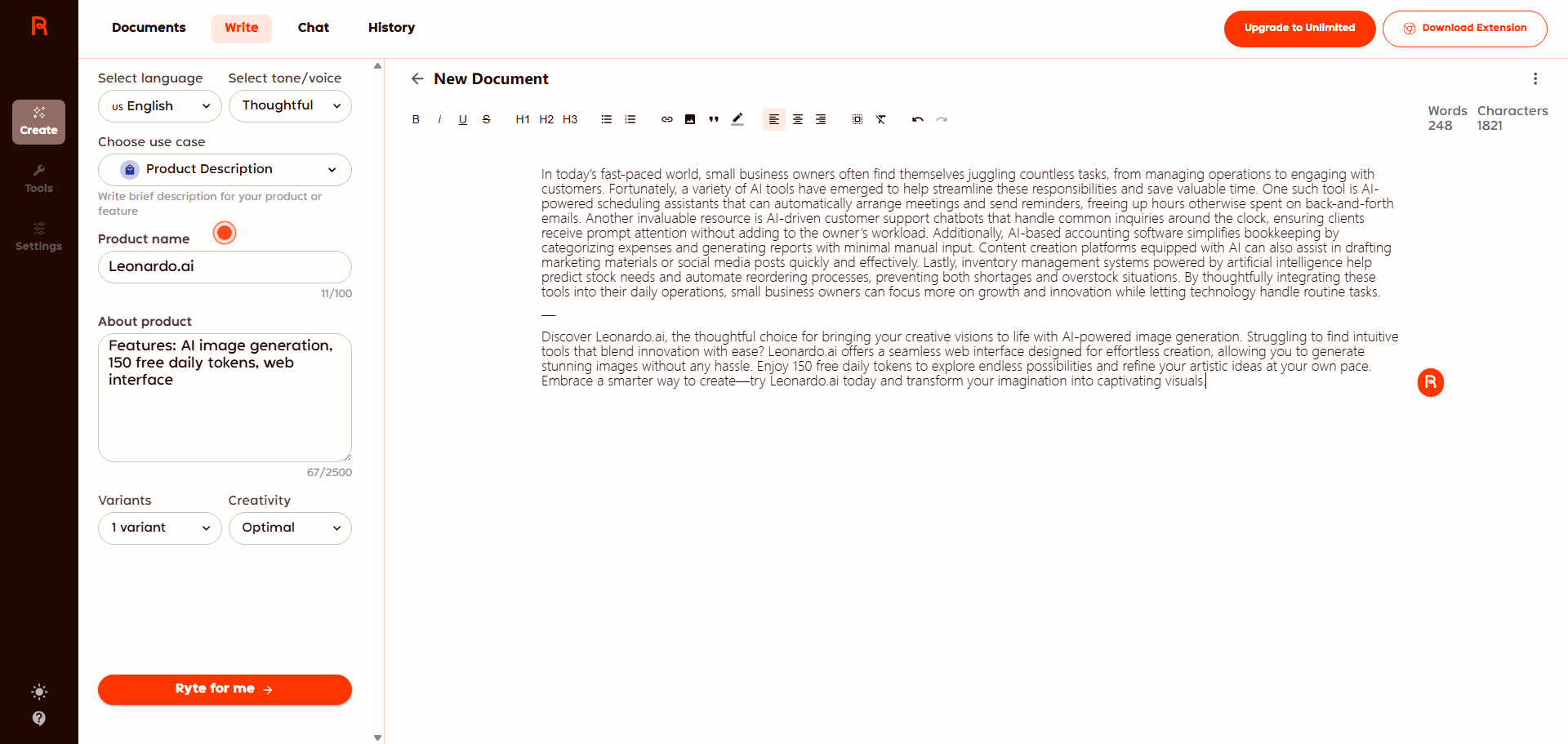
I needed a product description for my Leonardo.ai review. I used the “Product Description” template and filled in:
- Product name: Leonardo.ai
- Features: AI image generation, 150 free daily tokens, web interface
- Tone: Thoughtful
Rytr generated a 248-word description. It highlighted the free tier, the ease of use, and the comparison to Midjourney. I ended up using about 60% of it in my final article, with some personal edits. It saved me maybe 10 minutes of writing. Not huge, but noticeable.
Test 3: Social Media Posts
I asked Rytr to generate “5 LinkedIn posts about AI trends for content creators” using the “Social Media Post” template. It returned 5 short posts, each around 80-100 words. They were decent — the structure was good, but the voice felt slightly generic. I’d still use them as drafts and personalize later.
I noticed that Rytr tends to repeat certain phrases (“in today’s fast-paced world”, “let’s dive in”). That’s fine if you edit, but it’s a sign the AI isn’t as creative as more expensive tools like Jasper.
Rytr Pricing — Free vs Saver vs Unlimited
Here’s the breakdown as of 2026:
PlanPriceCharactersAI ImagesKey Features
| Free | $0/month | 10,000/month | 5/month | 40+ templates, 20+ tones, plagiarism checker |
| Saver | $9/month | Unlimited | 20/month | Everything in Free + custom use cases |
| Unlimited | $29/month | Unlimited | 100/month | Everything + priority support, account manager |
>
From my testing, the free plan is genuinely useful. 10,000 characters per month is enough for a blogger’s basic needs — a few blog outlines, a product description, and a handful of social posts. The paid plans are very affordable compared to competitors. Jasper starts at $39/month, and Copy.ai starts at $49/month. Rytr’s $9/month Saver plan is a no-brainer if you need unlimited content.
What I Liked About Rytr
- Generous free plan — 10,000 characters/month, no credit card required, no time limit. That’s rare these days.
- Template-first approach saves time — No need to craft perfect prompts. Just fill in fields and generate.
- Fast generation — 5-10 seconds per output, even on the free plan.
- Built-in plagiarism checker — Powered by Copyscape, included even on the free plan.
- Chrome extension — Write anywhere on the web, not just in the Rytr dashboard.
- 30+ languages supported — I tested Chinese output and it was decent.
What I Didn’t Like
- Can get repetitive — The same phrases and structures appear across different outputs. You’ll need to edit.
- Not for long-form content — Rytr struggles with articles over 500 words. It’s designed for short copy.
- GPT-3 backbone limits sophistication — Compared to ChatGPT (GPT-4) or Jasper, Rytr’s output feels less creative.
- No image generation on free plan — Only 5 images/month for free users. You’ll need a paid plan for more.
Rytr vs Copy.ai vs Jasper — My Take
- vs Copy.ai: Both offer free plans. Copy.ai has 2,000 words/month (vs Rytr’s 1,500-2,000). Rytr is cheaper for paid plans ($9 vs $49). For value, Rytr wins.
- vs Jasper: Jasper is more powerful (better long-form, more customization) but also much more expensive ($39-$59/month). Rytr is for budget-conscious users who don’t need advanced features.
- vs ChatGPT: ChatGPT is more creative and better for long-form. Rytr is faster for templates and structured outputs. I’d use both — ChatGPT for research and long drafts, Rytr for quick templates.
My honest opinion: Rytr is a solid entry-level AI copywriter. It won’t replace a human writer or a more powerful tool like Jasper, but for quick drafts, social media, and product descriptions, it’s very handy. The free plan is the real winner — you can use it indefinitely without paying.
Who Should Use Rytr?
- Freelance writers and copywriters — Use it to overcome writer’s block and generate multiple headlines or hooks quickly.
- Social media managers — Generate 10 post variations in 2 minutes. The free plan covers your monthly needs.
- E-commerce store owners — Write product descriptions for dozens of items using templates.
- Bloggers on a budget — The free plan gives you enough characters for blog intros and outlines. Use ChatGPT for long-form.
Who should skip it? Anyone needing long-form content (over 1,000 words) — use Jasper or ChatGPT instead. Also, if you want advanced editing features or team collaboration, look elsewhere.
Final Verdict — Will I Keep Using Rytr?
After a week of testing, I’m keeping the free plan. I don’t need unlimited characters, and the 10,000 monthly allowance is perfect for generating social captions, product descriptions, and email subject lines. For blog posts, I’ll stick with ChatGPT (free) because I prefer writing longer drafts in a chat interface.
Will I upgrade to Saver ($9/month)? Probably not right now — the free plan meets my needs. But if I start producing more content, $9/month for unlimited characters is a steal compared to competitors. For now, Rytr stays in my toolbox as a reliable template-based writer.
My final rating: ⭐ 4.2/5 — loses points for repetitiveness and long-form limitations, but the free plan is genuinely useful and the value for money is unbeatable.
FAQ
Q: Is Rytr really free?
A: Yes, the free plan gives you 10,000 characters per month, forever. No credit card required. After that, you can wait until next month or upgrade to a paid plan.
Q: Can Rytr write blog posts?
A: Short blog posts (300-500 words) — yes. Long-form (1,000+ words) — not recommended. It works better for outlines, intros, and short sections.
Q: Does Rytr support languages other than English?
A: Yes, 30+ languages. I tested Chinese and it was acceptable for basic copy.
Q: Is Rytr better than ChatGPT?
A: For structured copywriting tasks (product descriptions, email subject lines, ads) — yes. For general writing and research — no. Use both.