





Pika Labs Review 2026: Is This the Best Free AI Video Generator? I Tested for 2 Weeks
Pika Labs Review 2026: Is This the Best Free AI Video Generator? I Tested for 2 Weeks
Runway Gen-3 impressed me, but at $15/month for the cheapest watermark-free plan, it’s not free. Then I heard about Pika Labs — an AI video generator with a generous free tier that doesn’t require a credit card. I spent two weeks testing Pika Labs to see if the free plan is actually usable, how the quality compares to Runway, and whether it’s worth upgrading. Here’s my honest Pika Labs review.
What Is Pika Labs? (And Why I Gave It a Shot – Pika Labs Review)
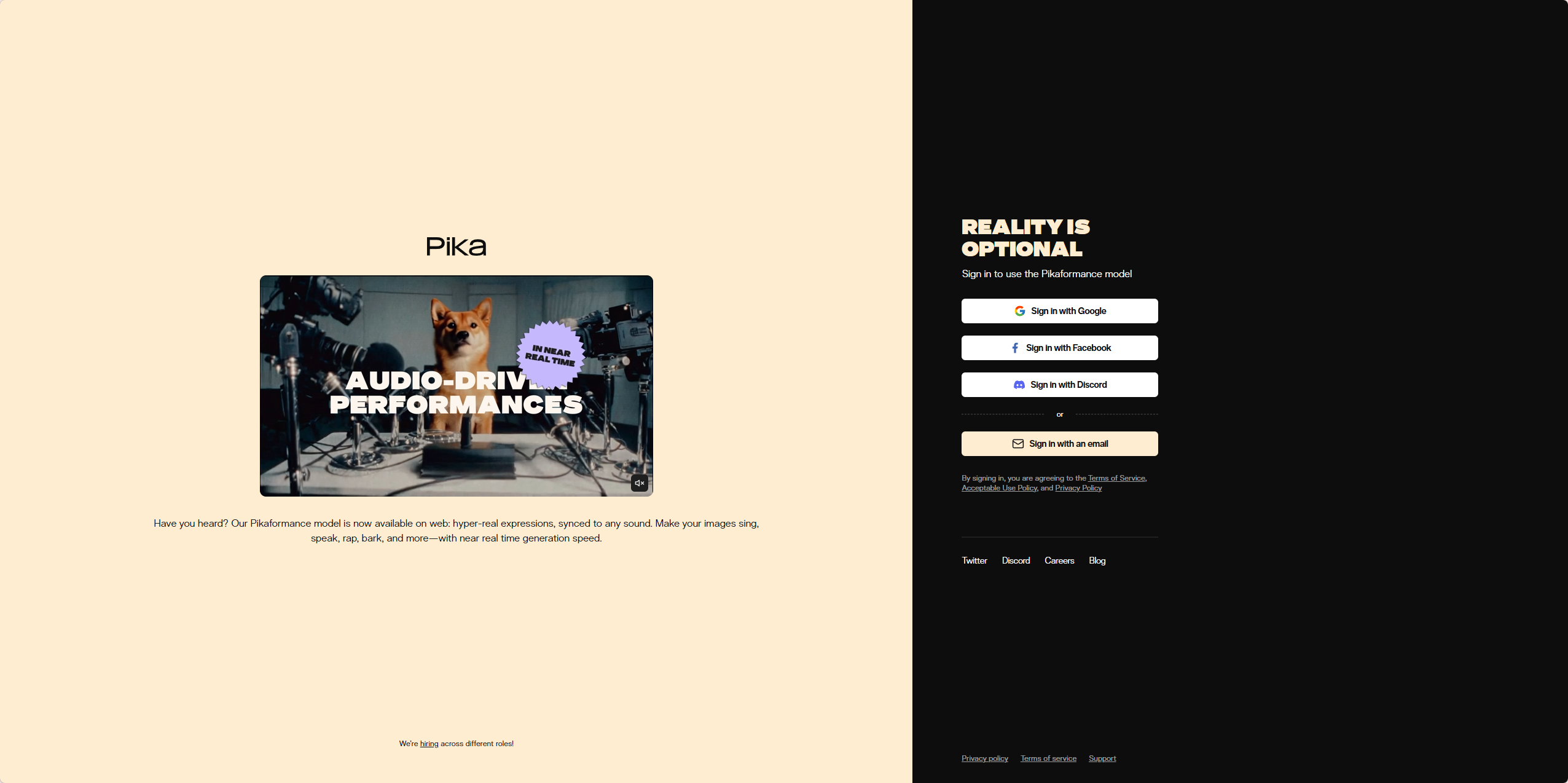
Pika Labs is an AI video generation platform that launched in 2023 and quickly gained popularity for its accessible free tier. Like Runway, it offers text-to-video and image-to-video generation, plus unique features like motion control (you can adjust the intensity of movement) and video extension (lengthen existing clips).
What attracted me was the free plan: 250 initial credits, with 30 more credits added daily. That’s enough to generate 50-100 short clips per month without paying anything. As a blogger on a budget, that’s compelling.
How I Tested Pika Labs — My Process
I gave myself four real-world tasks to evaluate Pika Labs:
- Text-to-video — Generate a 5-second clip from a prompt
- Image-to-video — Animate a static blog header image
- Motion control — Test the ability to adjust movement intensity
- Compare to Runway — Same prompts on both tools
I used Pika’s free plan for all my testing (250 initial credits + daily refills). No credit card required.
First Impressions — The Interface
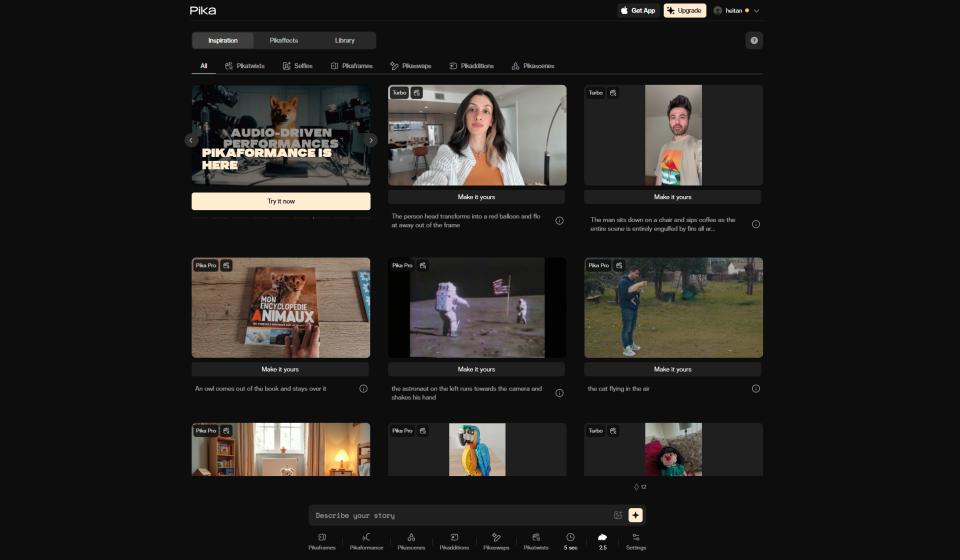
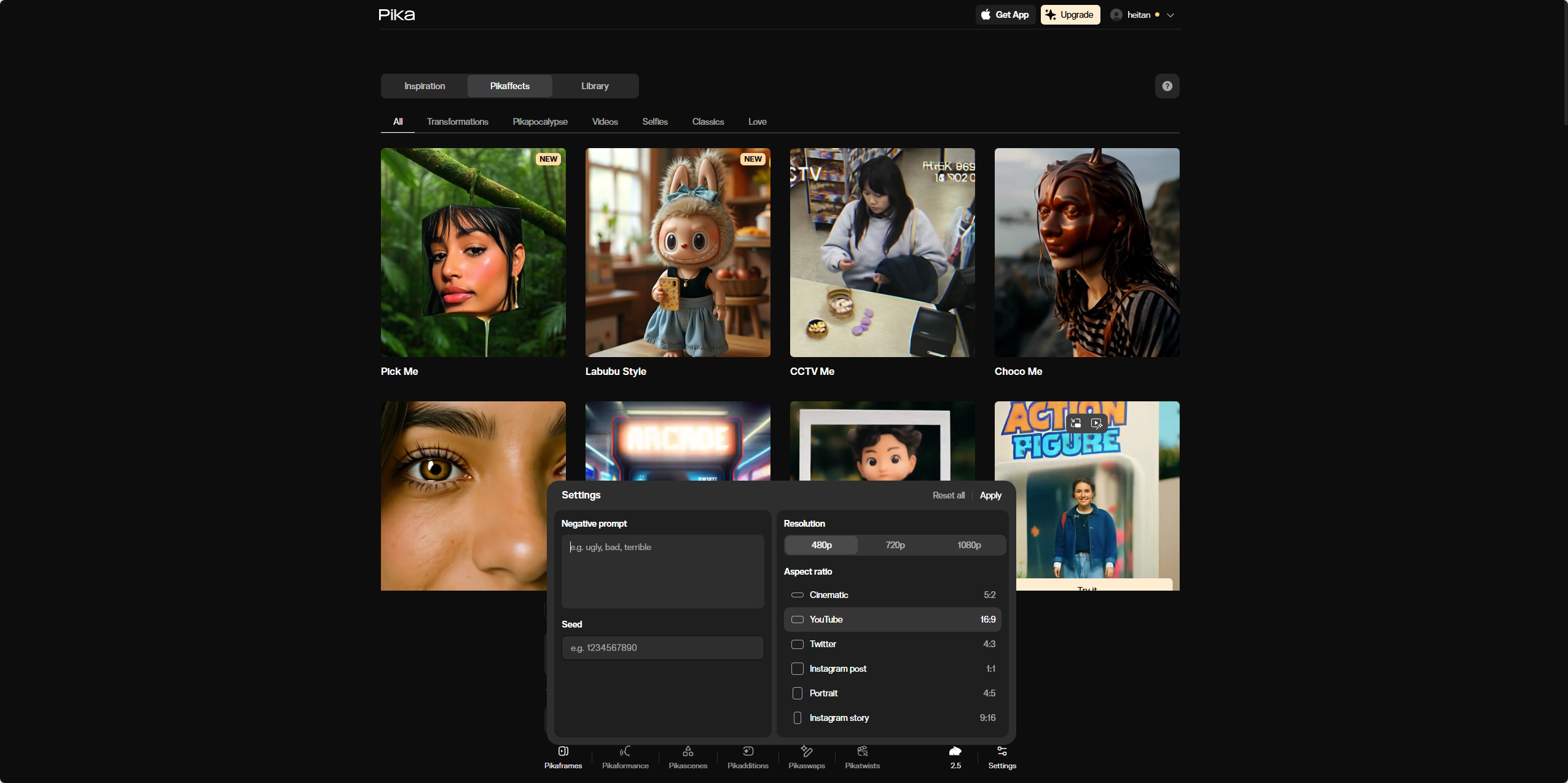
Pika’s web interface is simpler than Runway’s. You type a prompt, select an aspect ratio, choose a motion intensity (0-5), and click generate. The results appear in about 30-60 seconds.
I appreciated the motion control slider — it’s unique to Pika. You can dial in exactly how much movement you want, from subtle camera pans to dramatic zooms. Runway doesn’t offer this level of control.
Test 1: Text-to-Video
My prompt: “cinematic shot of a futuristic city at sunset, flying cars, neon lights, smooth camera pan” — same prompt I used for Runway.
Pika generated a 5-second clip in about 40 seconds. The quality was good — smooth camera movement, consistent lighting, logical car motion. Compared to Runway, Pika’s output was slightly less detailed (fewer fine textures), but the motion was just as smooth.
I generated five variations. Three were usable, two had glitches (a car froze mid-motion, a building warped). That’s about a 60% success rate — similar to Runway.
Test 2: Image-to-Video
I uploaded the same Midjourney landscape image I used for Runway — a fantasy scene with mountains and a waterfall. I set motion intensity to 3 (medium) and generated.
The result was impressive. The waterfall animated naturally, clouds drifted slowly, and there was a subtle camera zoom. The clip lasted 5 seconds and looped cleanly. For a free tool, this is remarkable.
Test 3: Motion Control
I tested the same image with motion intensities 1 (very subtle), 3 (medium), and 5 (maximum).
- Intensity 1: Barely perceptible movement. Good for subtle background animation.
- Intensity 3: Clear movement — waterfall flowing, clouds drifting. Ideal for most use cases.
- Intensity 5: Dramatic movement — the camera zoomed in quickly, the waterfall rushed. Almost too intense for my taste.
This feature alone sets Pika apart. Runway has nothing like it — you get whatever motion the AI decides. With Pika, you’re in control.
Test 4: Pika vs Runway — Side by Side
I ran the same three prompts on both tools. Here’s how they compared:
- Motion smoothness: Tie. Both produced smooth, logical camera movements.
- Visual detail: Runway wins. Runway’s textures and lighting were more detailed.
- Prompt understanding: Tie. Both understood complex prompts well.
- Generation speed: Pika wins (40 sec vs 60-90 sec for Runway).
- Control: Pika wins (motion intensity slider).
- Free tier: Pika wins (250 initial + 30 daily credits vs Runway’s 125 one-time).
- Watermark: Both add watermarks on free plans.
My take: If you prioritize visual quality and have budget, Runway is better. If you want control and a generous free tier, Pika is the smarter choice.
Pika Labs Pricing — Free vs Standard vs Pro
Here’s the breakdown as of 2026:
PlanPriceCreditsWatermarkCommercial UseMax Resolution
| Free | $0/month | 250 initial + 30/day | Yes | No | 720p |
| Standard | $10/month | 1,000/month + rollover | No | Yes | 1080p |
| Pro | $30/month | 3,000/month + rollover | No | Yes + priority | 1080p + faster generation |
>
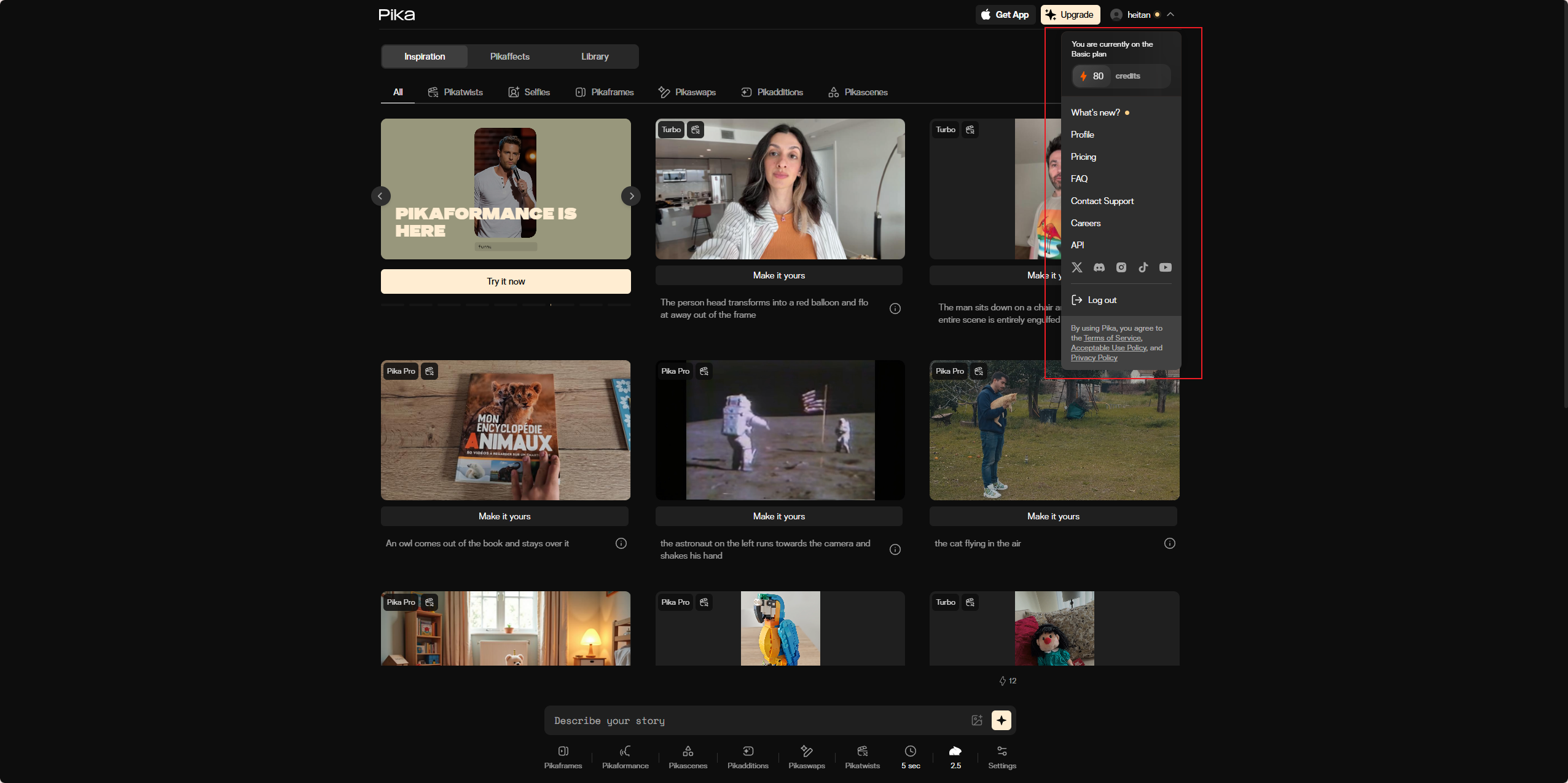
From my testing, the free plan is genuinely useful — 30 daily credits let you generate 6-10 clips per day. That’s enough for most bloggers. The watermark is noticeable but not intrusive. For commercial use, the Standard plan at $10/month is cheaper than Runway’s $15/month.
Note: Credits cost varies by generation length and resolution. A 5-second 720p clip costs 3-5 credits. So 30 daily credits = 6-10 clips per day.
What I Liked About Pika Labs
- Generous free tier — 30 daily credits means you can generate video content daily without paying.
- Motion control slider — Unique feature that gives you real control over movement intensity.
- Fast generation — 40 seconds vs Runway’s 60-90 seconds.
- Clean, simple interface — No learning curve.
- Video extension — You can extend existing clips (up to 10 seconds total on free plan, longer on paid).
- Affordable paid plans — $10/month for watermark-free commercial use is cheaper than competitors.
What I Didn’t Like
- Lower visual quality than Runway — Textures and fine details aren’t as sharp.
- Watermark on free plan — Understandable, but still limits professional use.
- No audio generation — Like Runway, Pika creates silent videos.
- Short clips — 5 seconds max on free plan, 10 seconds on paid. For longer videos, you’ll need to stitch clips together.
- Limited aspect ratio options — Only 16:9, 9:16, and 1:1. No custom aspect ratios.
Pika Labs vs Runway — Which Should You Choose?
After testing both extensively, here’s my recommendation:
- Choose Pika Labs if: You’re on a budget, want a generous free tier, value motion control, or need daily video generation without paying.
- Choose Runway if: You prioritize visual quality, need higher resolution (1080p vs 720p on free), or have budget for a paid plan.
For my use case (blog headers, social media clips), Pika’s free plan is sufficient. I’ll keep using it for daily generation and upgrade to Standard ($10/month) when I need commercial rights or higher resolution.
Who Should Use Pika Labs?
- Bloggers on a budget — The free plan gives you enough credits for daily social media clips.
- Social media managers — Generate short, engaging clips for multiple platforms without per-video costs.
- Anyone testing AI video — Pika’s free tier is the best way to learn without risk.
- Creators who want motion control — The intensity slider is genuinely useful.
Who should skip it? Professionals needing high-quality, watermark-free video for client work — pay for Runway or another premium tool. Anyone needing long-form video (over 10 seconds) — Pika’s clips are too short.
Final Verdict — Will I Keep Using Pika Labs?
Pika Labs review, after two weeks of testing, I’m keeping the free plan and using Pika as my primary AI video generator. The 30 daily credits cover my needs (5-10 clips per day), the quality is good enough for social media, and the motion control gives me flexibility Runway doesn’t offer.
When I need commercial rights or higher resolution, I’ll upgrade to Standard ($10/month) — it’s cheaper than Runway and offers similar features.
For now, Pika Labs is the best free AI video generator I’ve tested. Try it. Generate 20 clips. See if the quality meets your standards. For me, it does.
My final rating: ⭐ 4.3/5 — loses points for lower visual quality and short clip length, but wins on free tier generosity, motion control, and speed.
FAQ
Q: Is Pika Labs really free?
A: Yes, the free plan gives you 250 initial credits plus 30 credits daily. No credit card required. That’s enough for 6-10 clips per day.
Q: Can I use Pika videos commercially?
A: No on the free plan. For commercial use, you need the Standard plan ($10/month) or higher.
Q: How long are Pika videos?
A: 5 seconds max on free plan, up to 10 seconds on paid plans. For longer videos, stitch multiple clips together.
Q: Is Pika better than Runway?
A: For free tier generosity and motion control — yes. For visual quality — no. Choose based on your priorities.