







Runway Gen-3 Review 2026: Can AI Video Replace Stock Footage? I Tested for 2 Weeks
Runway Gen-3 Review 2026: Can AI Video Replace Stock Footage? I Tested for 2 Weeks
Stock footage is expensive. A single 10-second clip on sites like Storyblocks or Artgrid can cost $50-$200 depending on resolution and licensing. For a blogger creating social media content, that adds up fast. I’ve been curious about AI video generation as an alternative, and Runway’s Gen-3 model is one of the most advanced options. So I asked myself: can AI video replace stock footage? I spent two weeks testing Runway Gen-3 to find out. Here’s my honest review.
What Is Runway Gen-3? (And Why I Gave It a Shot)
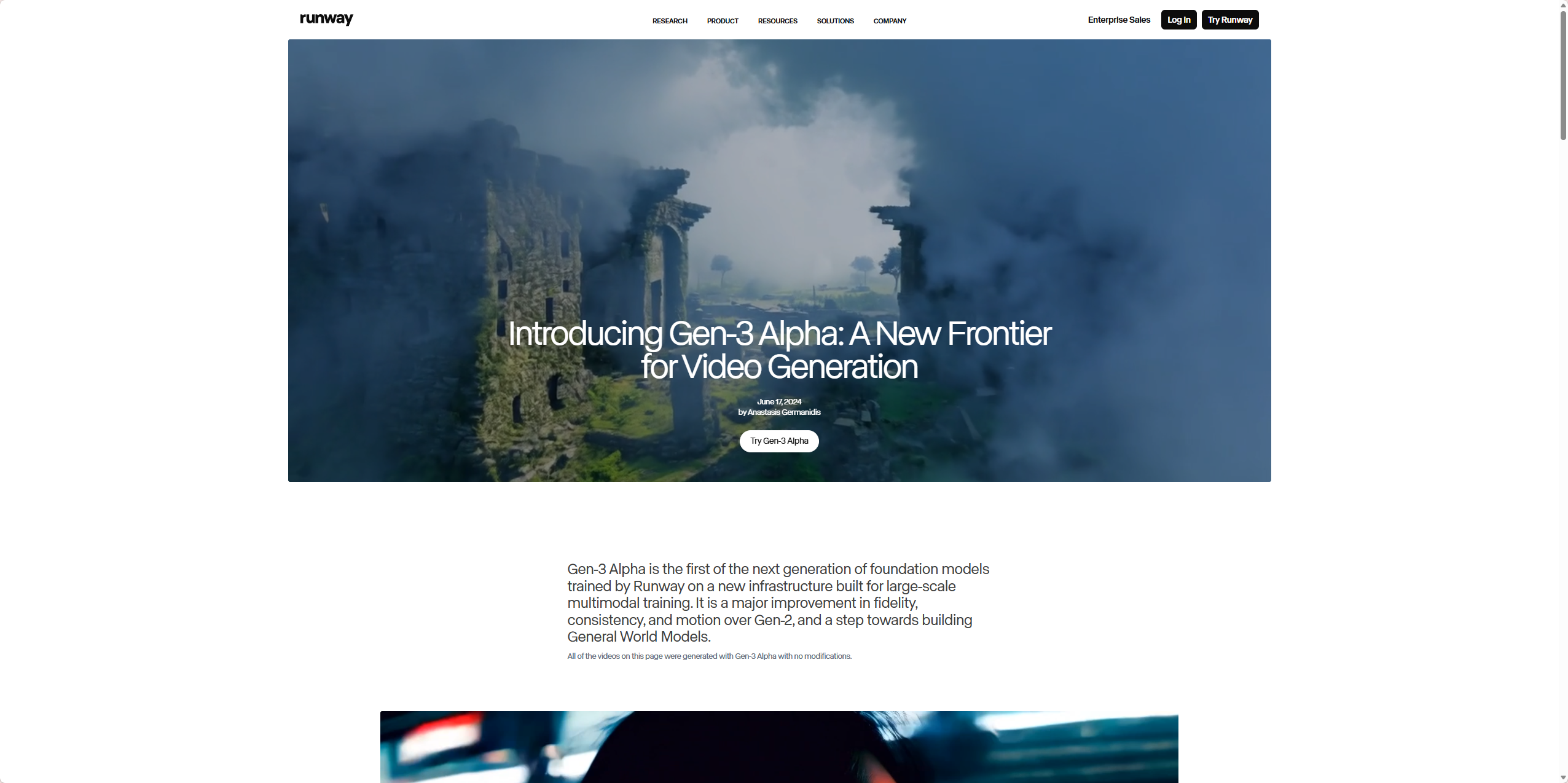
Runway is an AI video generation platform. The latest model, Gen-3, can generate short video clips (5-10 seconds) from text prompts, images, or existing videos. It also offers tools like Motion Brush (animate specific parts of an image), Lip Sync (animate faces with audio), and basic video editing.
What attracted me was the potential cost savings. If Runway could generate usable clips for $15/month, that would beat paying $50-$200 per stock clip. I wanted to see if the quality was good enough for real-world use — not just tech demos.
How I Tested Runway Gen-3 — My Process
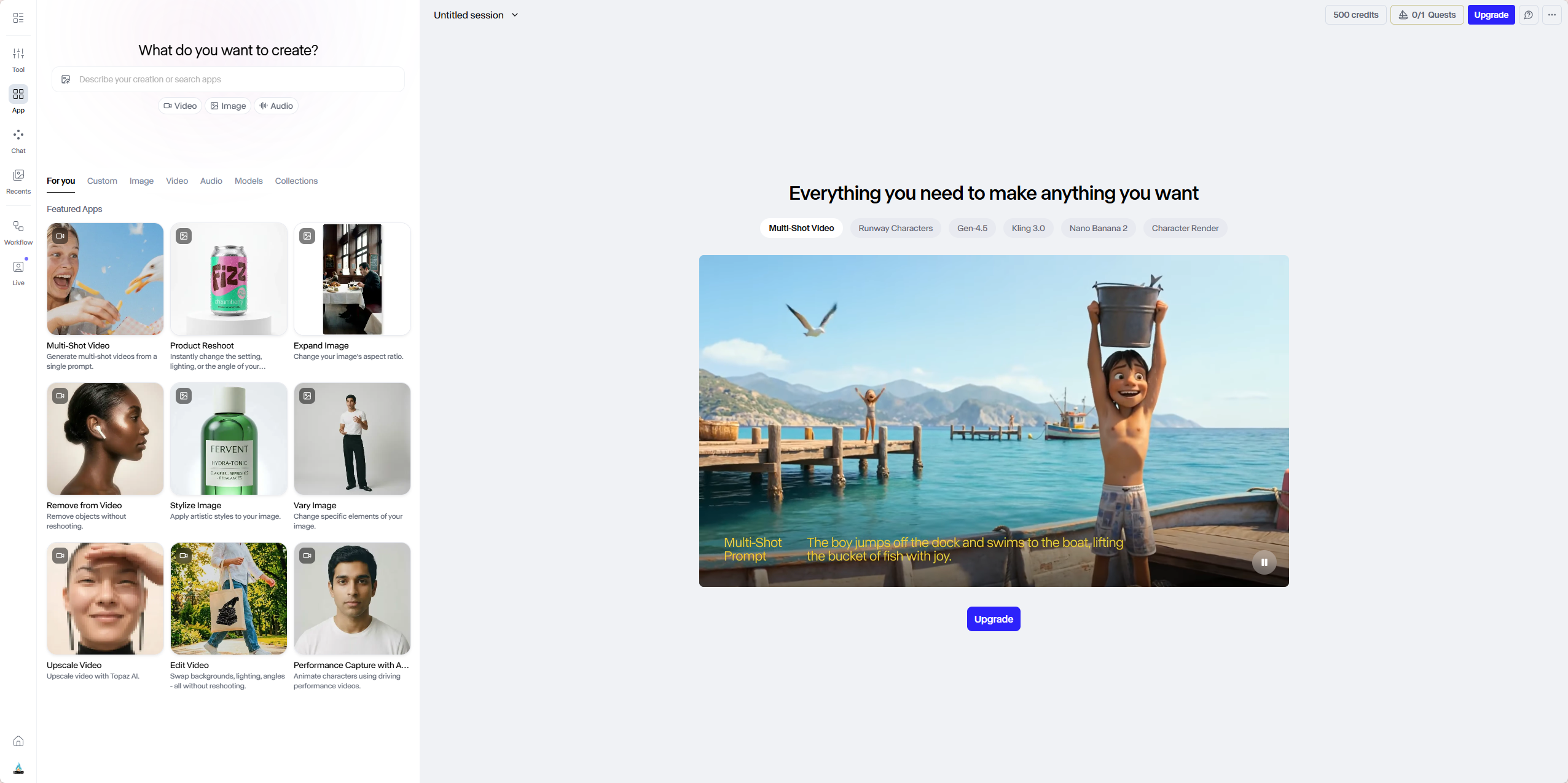
I gave myself four real-world tasks to evaluate Runway:
- Text-to-video — Generate a 5-second clip from a prompt
- Image-to-video — Animate one of my existing blog header images
- Motion Brush — Take a static image and animate specific elements (water, clouds, smoke)
- Create a short social media promo — A 10-second clip for Instagram/TikTok
I used Runway’s free plan (125 credits) for most of my testing, then briefly upgraded to the Standard plan ($15/month) to test higher resolution and longer clips.
First Impressions — The Interface
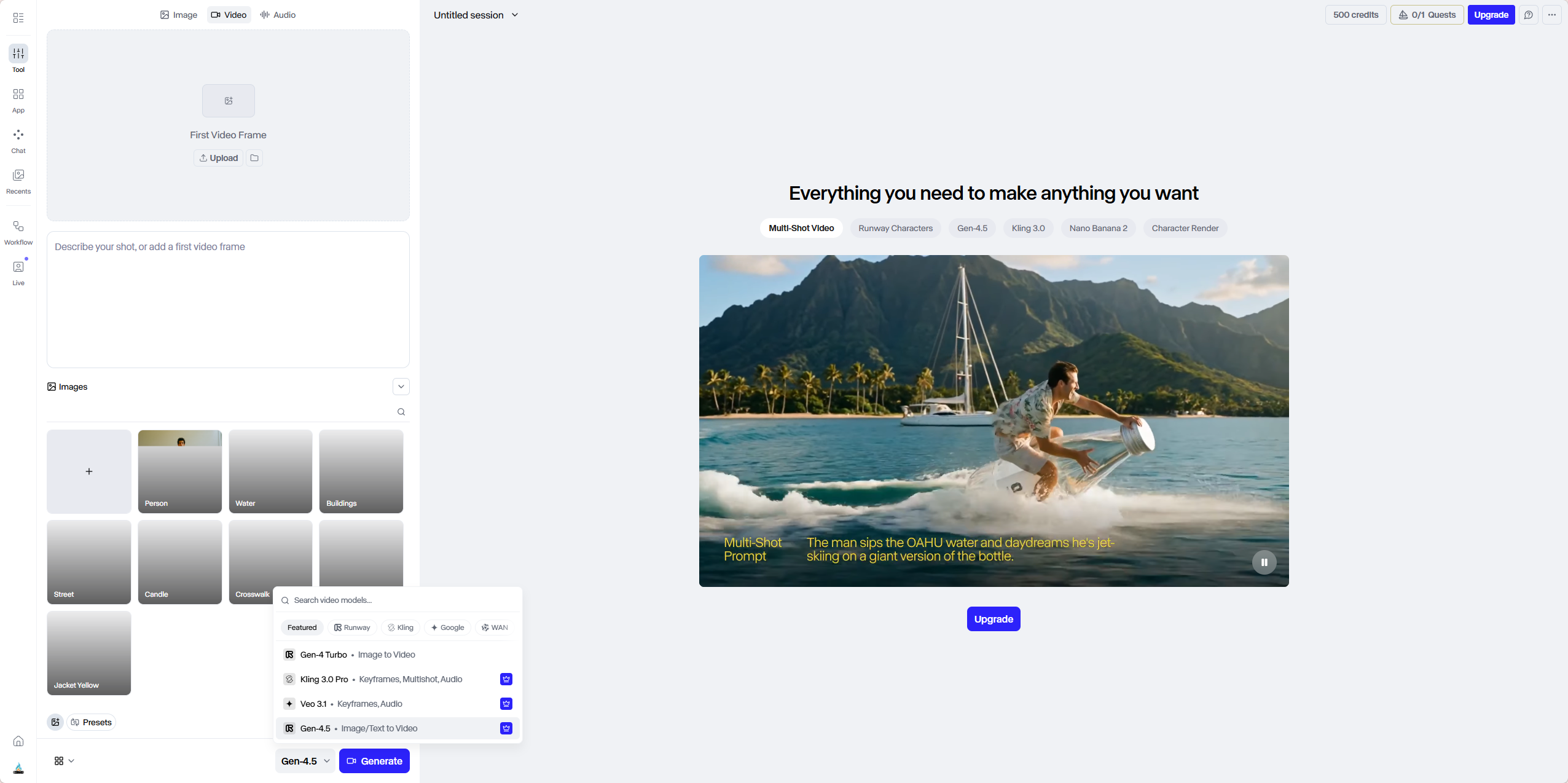
Runway’s web interface is clean and modern. Unlike Midjourney’s Discord-based workflow, everything happens in the browser. You can upload images, type prompts, adjust settings, and preview results without leaving the page. I appreciated that — there’s no learning curve.
Generating a video takes about 60-90 seconds. The free plan limits you to 720p resolution and watermarked outputs. Paid plans remove watermarks and unlock 1080p, longer clips (up to 10 seconds), and more generation credits.
Test 1: Text-to-Video
My first prompt: “cinematic shot of a futuristic city at sunset, flying cars, neon lights, smooth camera pan.”
After 90 seconds, Runway returned a 5-second clip. The result was surprisingly good — the camera movement was smooth, the lighting was consistent, and the cars moved logically. There were some artifacts (a car flickered briefly), but nothing major.
I generated a few more variations. About 60% were usable — meaning I could post them on social media without additional editing. The other 40% had noticeable glitches: warping objects, unnatural motion, or scenes that didn’t match the prompt.
Compared to other AI video tools I’ve tested (like Pika Labs), Runway’s Gen-3 produced smoother motion and better physics. But it’s not reliable enough to generate perfect clips on the first try — you need to generate multiple versions and pick the best one.
Test 2: Image-to-Video
I uploaded a static blog header image I’d generated with Midjourney — a fantasy landscape with mountains and a waterfall. I asked Runway to animate it: “waterfall flowing, clouds moving slowly, gentle camera zoom.”
The result was impressive. The waterfall animation looked natural, the clouds drifted at a realistic speed, and the camera zoom was smooth. The clip lasted 5 seconds and looped seamlessly. I used it as a background for a YouTube Shorts video — it worked perfectly.
Image-to-video is where Runway shines. If you already have good static images (from Midjourney or Leonardo), Runway can bring them to life with minimal effort.
Test 3: Motion Brush
Motion Brush is one of Runway’s most unique features. You take an image, paint over specific areas (like water, smoke, or clouds), and Runway animates only those areas.
I tested it with a landscape photo of a lake. I painted the water surface and the clouds in the sky. Runway generated a 5-second clip where the water rippled realistically and the clouds drifted. The rest of the image (mountains, trees) stayed perfectly still.
This is genuinely useful. If you’re creating atmospheric social media posts or website backgrounds, Motion Brush lets you add subtle motion without complex editing.
Test 4: Social Media Promo (10-Second Clip)
I wanted to create a 10-second promo for my blog’s “AI Tools for Bloggers” roundup. I generated a few clips with Runway and stitched them together using the built-in editor (which is basic but usable). I added text overlays and a soundtrack (imported separately).
The final result was a 10-second Instagram Reel. It wasn’t Hollywood quality, but it was good enough for social media. The whole process took about 30 minutes — much faster than filming and editing manually.
For a blogger who needs quick, engaging video content, Runway is a viable solution.
Runway Pricing — Free vs Standard vs Pro vs Unlimited
Here’s the breakdown as of 2026:
PlanPriceCreditsResolutionWatermarkMax Clip Length
| Free | $0/month | 125 one-time | 720p | Yes | 5 seconds |
| Standard | $15/month | 625/month | 1080p | No | 10 seconds |
| Pro | $35/month | 2,250/month | 1080p | No | 10 seconds |
| Unlimited | $95/month | Unlimited | 1080p | No | 10 seconds |
From my testing, the free plan is good for testing — 125 credits generate about 20-30 clips. But the watermark makes it unsuitable for professional use. The Standard plan at $15/month is reasonable for casual creators. At $35/month for Pro, you’d need to be generating video content daily to justify the cost.
Note: Credits are consumed per generation (1 credit = 1 second of video at 720p, up to 5 credits for 1080p 10-second clips). So 625 credits on Standard gives you roughly 125 five-second clips per month.
What I Liked About Runway Gen-3
- Smooth motion — Gen-3 is a big improvement over previous versions. Less warping, better physics.
- Image-to-video works well — If you have good static images, Runway animates them convincingly.
- Motion Brush is unique and useful — Perfect for adding subtle motion to landscapes or product shots.
- Web-based interface — No Discord required. Everything is visual and intuitive.
- Multiple tools in one platform — Text-to-video, image-to-video, video editing, lip sync — all in one place.
What I Didn’t Like
- Inconsistent quality — About 40% of my generations had visible glitches. You’ll need to generate multiple versions.
- Short clip length — 5-10 seconds is very limiting. For anything longer, you’ll need to stitch clips together.
- Watermark on free plan — Understandable but frustrating for testing real use cases.
- No audio generation — Runway creates silent videos. You’ll need separate tools for sound effects or music.
- Expensive for heavy use — Pro and Unlimited plans add up quickly.
Can AI Video Replace Stock Footage? My Verdict
After two weeks of testing, here’s my answer: Yes, but with caveats.
For simple, abstract, or atmospheric clips — animated backgrounds, slow camera pans, nature scenes — Runway Gen-3 is good enough to replace stock footage. I generated usable clips for my blog header and Instagram Reel without paying $50-$200 per clip.
For complex scenes with specific objects, people, or text — Runway still struggles. You’ll get glitches, warping, or mismatched outputs. For those cases, stock footage or hiring a videographer is still the better option.
The cost calculation: $15/month for Runway’s Standard plan vs $50-$200 per stock clip. If you need more than 1-2 stock clips per month, Runway is cheaper. If you need perfect, professional-quality video every time, stick with stock footage or traditional video production.
Who Should Use Runway Gen-3?
- Social media managers — Short, engaging video clips perform well on Instagram, TikTok, and YouTube Shorts. Runway is perfect for this.
- Content creators — Use Runway to generate b-roll, animated backgrounds, or promo videos.
- Marketers — Create product demo animations or explainer clips without a video team.
- Bloggers on a budget — If you need video content but can’t afford stock footage, Runway is a viable alternative.
Who should skip it? Anyone needing long-form video (over 30 seconds) — Runway isn’t there yet. People who need perfect, glitch-free results — AI video still has limitations. Professional video producers — you’ll still need traditional tools for client work.
Final Verdict — Will I Keep Using Runway?
After two weeks of testing, I’m keeping the Standard plan at $15/month. For my use case (social media clips, blog headers, and animated backgrounds), Runway Gen-3 saves me time and money. The quality isn’t perfect, but it’s good enough — and it’s getting better.
I still buy stock footage occasionally for specific projects, but Runway now handles about 70% of my video needs. That’s a win.
If you’re on the fence, try the free plan. Generate 20-30 clips. See if the quality meets your standards. For me, it does.
My final rating: ⭐ 4.3/5 — loses points for short clip length and inconsistent quality, but wins on value for money and ease of use.
FAQ
Q: Is Runway Gen-3 free?
A: There’s a free plan with 125 one-time credits. That’s enough to test the tool (about 20-30 short clips). After that, paid plans start at $15/month.
Q: Can I use Runway videos commercially?
A: Yes, with paid plans. Free plan outputs have watermarks and may have usage restrictions — check Runway’s terms.
Q: How long are Runway videos?
A: Maximum 10 seconds per clip on paid plans, 5 seconds on free. For longer videos, you stitch multiple clips together.
Q: Can Runway replace stock footage entirely?
A: For simple, abstract, or atmospheric clips — yes. For complex scenes with specific objects or people — not yet. I use a mix: Runway for 70% of my needs, stock footage for the remaining 30%.