











Runway vs Pika Labs vs Kling 2026: Best AI Video Generator? I Tested All 3
Runway vs Pika Labs vs Kling 2026: Best AI Video Generator? I Tested All 3
AI video generation is moving fast. Just a year ago, 2-second clips with obvious warping were considered impressive. Now, tools like Runway Gen-3, Pika Labs, and Kling are producing 5-10 second clips that are genuinely usable for social media, marketing, and even short films. I spent two weeks testing all three tools side by side — generating over 100 clips, comparing quality, speed, ease of use, and pricing. Here’s my honest comparison to help you choose the right AI video generator for your needs.
Quick Overview — Runway vs Pika Labs vs Kling
- Runway Gen-3: Best visual quality. Most cinematic, with smooth motion and rich details. Paid plans start at $15/month. No free tier watermark-free.
- Pika Labs: Best free tier. Generous daily credits (30/day). Good quality, motion control slider, but lower resolution on free plan.
- Kling: Best speed and length. Generates 5-second clips in under 30 seconds. Can produce up to 2-minute videos. Free daily credits (66). Quality between Runway and Pika.
If you need professional-grade quality, choose Runway. If you want to experiment for free, start with Pika or Kling. Let’s dive deep.
How I Tested — My Process
I used the same prompts across all three tools:
- “Cinematic shot of a futuristic city at sunset, flying cars, neon lights, smooth camera pan” (text-to-video)
- “A waterfall in a fantasy forest, slow motion, 4K quality” (image-to-video from a Midjourney still)
- “A person walking down a rainy street at night, cinematic lighting” (complex motion)
I evaluated each based on visual quality, motion smoothness, prompt adherence, generation speed, and pricing.
Visual Quality — Runway Wins, Kling Close Second
Runway Gen-3: Produces the most cinematic, high-fidelity clips. Textures are sharp, lighting is realistic, and motion is smooth. The clips feel like they could be from a low-budget film or high-end commercial. However, about 20-30% of generations have noticeable artifacts (warping, flickering).
Kling: Very close to Runway in quality. Sometimes even better at maintaining object consistency across frames. Its physics (water, smoke, cloth) are impressive. For a free tier, Kling’s quality is remarkable.
Pika Labs: Good but not great. Pika’s outputs are usable for social media but lack the cinematic polish of Runway or Kling. Textures can be soft, and motion sometimes feels unnatural. However, Pika’s motion control slider gives you more flexibility to dial in the right amount of movement.
Generation Speed — Kling Fastest, Pika Medium, Runway Slowest
Speed varies significantly, especially on free tiers:
- Kling: 20-40 seconds per 5-second clip (free tier). Very responsive.
- Pika Labs: 30-60 seconds per 5-second clip (free tier). Acceptable.
- Runway: 60-90 seconds per 5-second clip (free tier). Paid plans are faster but still slower than Kling.
If you need rapid iteration, Kling is the clear winner.
Free Tier Comparison — Pika and Kling Are Generous, Runway Limited
Here’s what each offers for free (no credit card required):
ToolFree CreditsMax Clip LengthResolutionWatermarkCommercial Use
| Runway | 125 one-time credits | 5 seconds | 720p | Yes | No |
| Pika Labs | 250 initial + 30 daily | 5 seconds (free), 10 seconds (paid) | 720p | Yes | No |
| Kling | 66 daily credits | 5 seconds (can extend to 2 min via multiple generations) | 720p | Yes | No (paid required) |
Winner for free tier: Pika Labs (30 daily credits) and Kling (66 daily credits) both offer sustainable free use. Runway’s one-time credits run out quickly.
Ease of Use — All Web-Based, But Different Interfaces
- Runway: Clean, professional interface. Lots of options and settings. Slight learning curve.
- Pika Labs: Simplest interface. Fewer knobs. Great for beginners. Motion slider is intuitive.
- Kling: Clean Chinese-made interface (English available). Slightly less polished but functional.
All three are easier than Discord-based tools. Pika is the most beginner-friendly.
Paid Plans — Which Offers Best Value?
ToolCheapest Paid PlanWhat You Get
| Runway | $15/month (Standard) | 625 credits/month, 1080p, no watermark, 10 sec clips, commercial use |
| Pika Labs | $10/month (Standard) | 1000 credits/month, 1080p, no watermark, 10 sec clips, commercial use |
| Kling | ~$10/month equivalent (in-app purchase) | Unlimited generations (with daily soft limits), 1080p, no watermark, up to 2 min clips, commercial use |
Best value paid: Kling offers unlimited generations for ~$10/month (though with daily caps). Pika is also affordable. Runway is the most expensive but offers the best quality.
Which One Should You Choose?
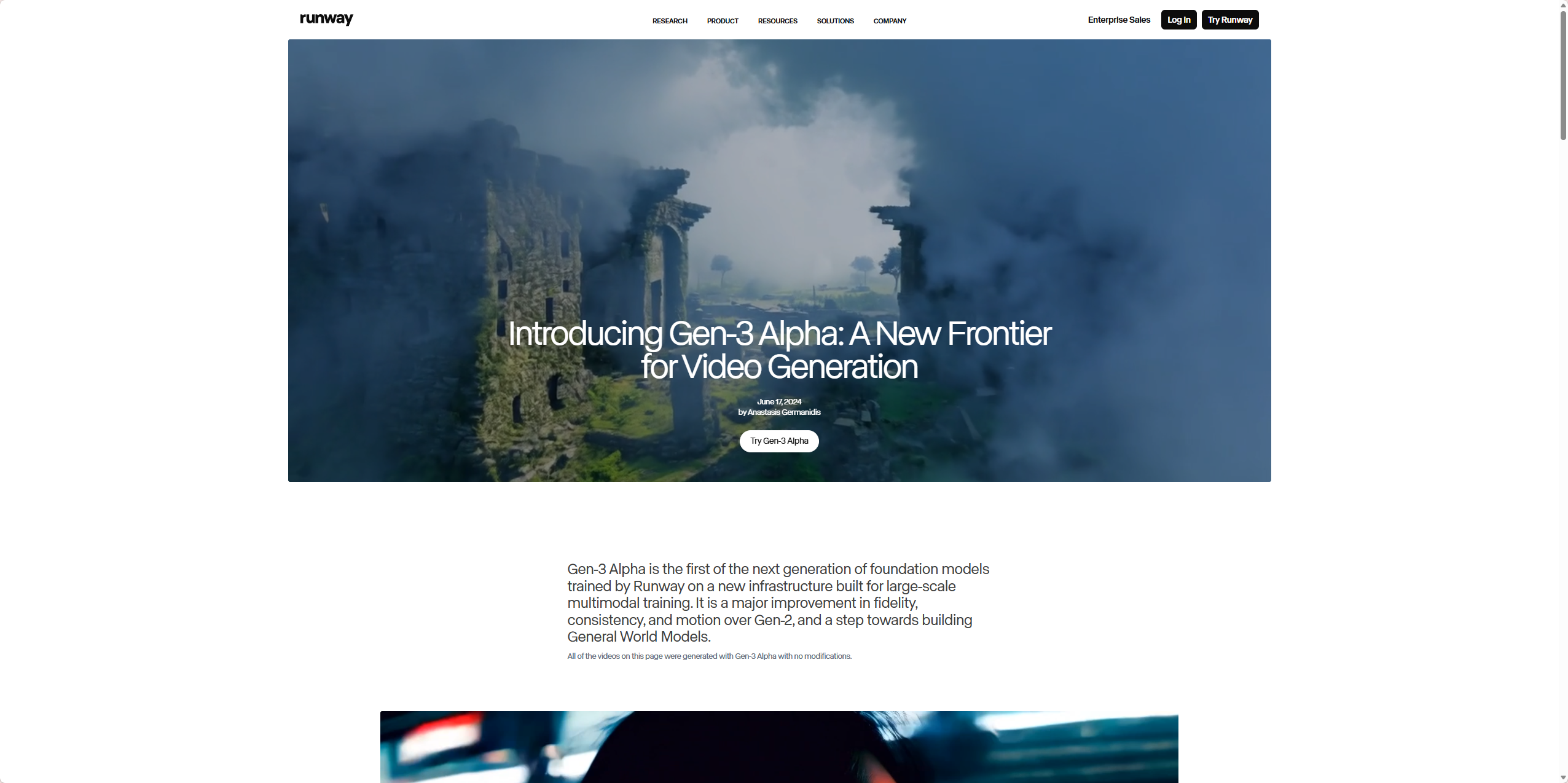
Choose Runway If:
- You need the highest quality, cinematic clips for professional projects
- You have a budget of at least $15/month
- You don’t mind slower generation speeds
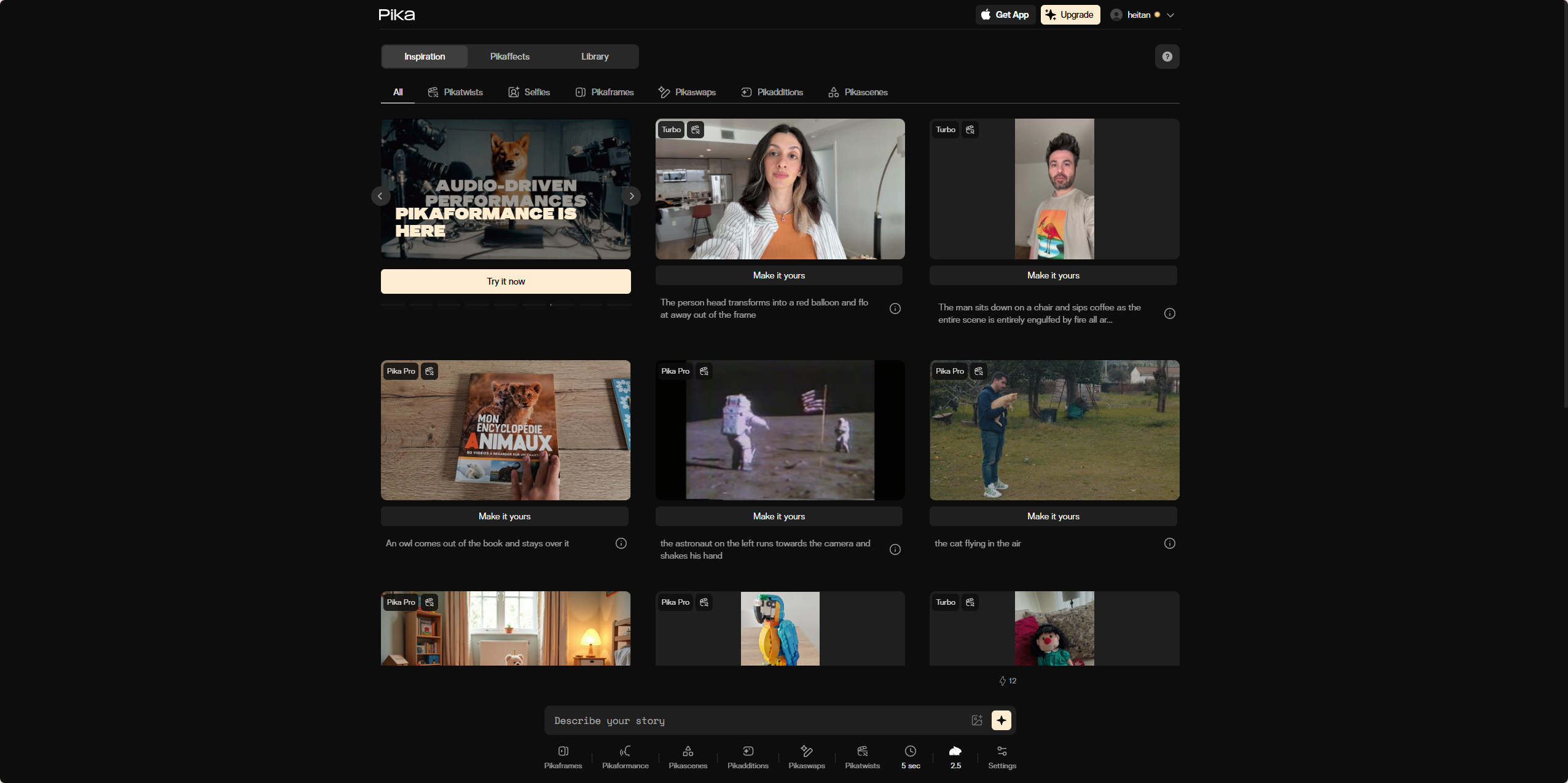
Choose Pika Labs If:
- You want a simple, beginner-friendly interface
- You value motion control (slider to adjust movement intensity)
- You want a generous free tier for light use
Choose Kling If:
- You need fast generation speeds and longer clips (up to 2 minutes)
- You want a very generous free tier (66 daily credits)
- You want the best value paid plan (~$10/month for unlimited)
- You don’t mind slightly less polished UI

My Honest Take — I Use All Three
Runway vs Pika Labs vs Kling, after two weeks of testing, here’s my personal workflow:
- Kling for quick, daily social media clips. The free tier is generous and speed is unbeatable.
- Runway for high-quality hero videos or client work where quality matters more than speed.
- Pika Labs when I need precise motion control or want to experiment without burning credits.
If I could only keep one free tier? I’d keep Kling — 66 daily credits go a long way. If I could only pay for one? I’d pay for Runway for the quality edge.
Final scores out of 5:
- Runway Gen-3: 4.5 — Best quality, but slower and more expensive.
- Pika Labs: 4.2 — Great free tier and motion control, but quality lags.
- Kling: 4.4 — Best speed and value, quality very close to Runway.
FAQ
Q: Can I generate videos longer than 10 seconds?
A: Only Kling (via multiple generations) can effectively create longer clips. Runway and Pika max at 10 seconds on paid plans.
Q: Which has the best free tier for regular use?
A: Kling (66 daily credits) and Pika (30 daily credits). Runway’s one-time credits run out fast.
Q: Do any of these generate audio?
A: No. All produce silent videos. You’ll need separate tools for sound.
Q: Can I use these commercially on free tiers?
A: No. Commercial use requires paid plans for all three.