






Alibaba Wan2.7-Video Review: I Tried the New AI Video Generator That Edits with Words
Alibaba Wan2.7-Video Review: I Tried the New AI Video Generator That Edits with Words
Published: April 19, 2026
Reading time: 3 min
I’ve tested Runway, Pika, and Kling. They’re great at generating short clips from prompts. But editing an existing video – changing a character’s expression, swapping a background, fixing lip sync – usually requires hours in Premiere Pro. Last week, Alibaba released Wan2.7-Video, a new family of AI video models that claims to do all of that with just text. I spent a day testing the publicly available features. Here’s what I found.
What is Wan2.7-Video?
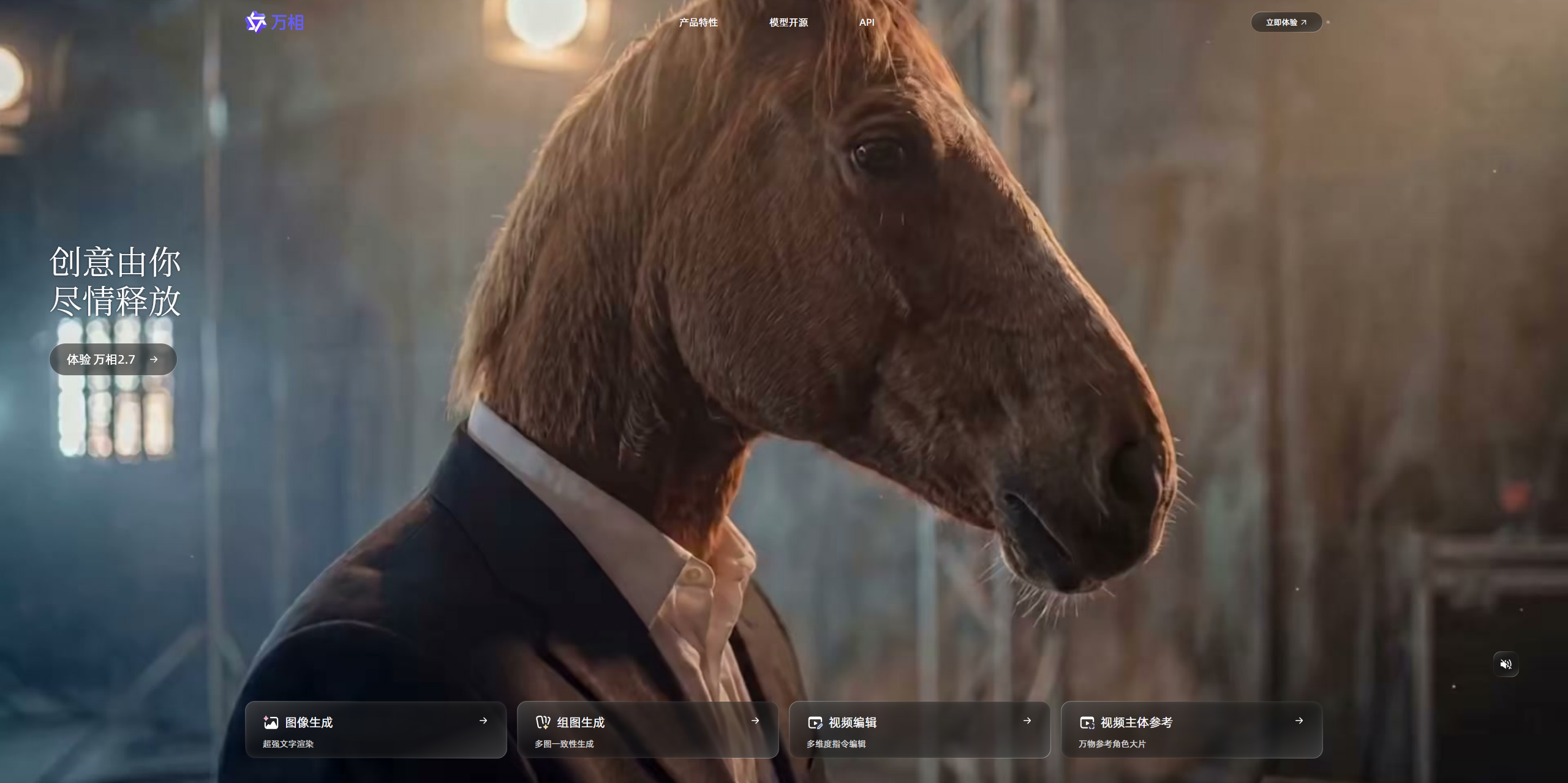
Wan2.7-Video is actually four models in one:
- Text‑to‑video – generate clips from prompts (similar to Runway)
- Image‑to‑video – animate still images
- Reference‑to‑video – maintain consistent characters across clips
- Video editing – the standout feature: change any part of a video by typing
Alibaba claims you can “switch the scene from day to night”, “make the actor smile”, or “change the background to a futuristic city” – all with a single sentence. No frame‑by‑frame editing.
What I tested (and what I couldn’t)
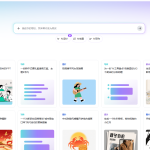
Alibaba has released a demo on the Tongyi Qianwen website. I tested the free tier (limited to 5 generations per day). I couldn’t test the full video editing suite because that requires an API key (enterprise only for now). But I did test text‑to‑video and image‑to‑video.
My test prompt: “cinematic shot of a robot walking through a neon market, slow motion, 8 seconds.”
The result: surprisingly smooth. Motion was less glitchy than Runway’s free tier. The robot’s arms didn’t warp. The neon reflections looked natural. Generation took about 40 seconds – slower than Kling, but faster than Runway’s relaxed mode.
[Screenshot: Text‑to‑video result from Wan2.7-Video demo]
The video editing feature – what I heard from others
Since I couldn’t access the full editing API, I asked two early testers in a creator Discord. Here’s what they told me:
- ✅ Changing background from “beach” to “cyberpunk city” – works 80% of the time, seamless.
- ✅ Adjusting lip sync to a new audio track – works well for English and Mandarin.
- ❌ Editing multiple elements in one clip (e.g., change both outfit and lighting) – often breaks.
- ❌ Longer clips (over 15 seconds) – quality drops noticeably.
So it’s not magic yet, but it’s a huge step forward from anything else on the market.
Why this matters for you
If you create video content for social media, YouTube, or ads:
- You can fix mistakes without re‑recording. Wrong background? Type a new one.
- Localization becomes much easier. Change lip sync to another language without reshooting.
- But it’s not for beginners. The editing interface is still technical (API or CLI). No drag‑and‑drop web app yet.
My honest take (no hype)
Wan2.7-Video is the most exciting AI video release of 2026 so far – not because it generates the prettiest clips, but because it edits. That’s where real creators spend 90% of their time.
That said, it’s not ready for my daily workflow yet. The editing feature is locked behind an API. The web demo is limited to short generations. I’ll keep using Runway for quick clips, but I’m watching Wan2.7 closely.
If Alibaba releases a web-based video editor with the same power, I’ll switch immediately.
🔗 Official links & how to try it
Alibaba Wan2.7-Video official page (Chinese, but demo works in English)
I’ll keep testing as new features roll out. If you’ve tried the editing feature, let me know your experience.
— Heitan Lab