







How to Generate Consistent Characters in Midjourney (Even Without Paid Features)
How to Generate Consistent Characters in Midjourney (Even Without Paid Features)
One of the biggest frustrations with AI image generators is getting the same character to appear in different poses, scenes, or outfits. Midjourney doesn’t have a built‑in “character consistency” feature like some other tools, but with a few clever techniques, you can get surprisingly good results. In this guide, I’ll show you two reliable methods and a free alternative using Leonardo.ai.
What You’ll Need
- A Midjourney subscription (Basic or higher) — or a free Leonardo.ai account
- A clear idea of your character’s appearance (age, hair, clothing, style)
- About 20–30 minutes to experiment
Method 1: Using the Seed Parameter (Most Reliable)
The --seed parameter tells Midjourney to start from a specific random noise pattern, which helps produce similar compositions and faces.
Step 1: Generate your first character image
Write a detailed prompt describing your character. Include age, hair color, eye color, clothing, and a pose. Example:
/imagine young female elf warrior with short silver hair, green eyes, leather armor, standing in a forest, fantasy art style –ar 16:9
Step 2: Find the seed number
After the image generates, click the envelope emoji (✉️) under the image. Midjourney will send you a direct message with the job ID and seed number. Look for --seed 1234567890.
Step 3: Generate new images with the same seed
Now reuse that seed in a new prompt, changing only the pose, background, or action. Keep the character description identical.
/imagine young female elf warrior with short silver hair, green eyes, leather armor, sitting by a campfire, fantasy art style –ar 16:9 –seed 1234567890
Repeat for different scenes. The face and overall design will stay much more consistent.
Method 2: Using Image Prompts (No Seed Needed)
If you forgot to save the seed, or want a simpler method, use an image prompt.
Step 1: Generate or upload a reference image
Create a character image you like. Download it.
Step 2: Use it as a prompt
In Discord, type /imagine, then drag and drop your reference image into the prompt field. Add your new description after the image URL.
/imagine [image URL] young female elf warrior, short silver hair, green eyes, riding a horse –ar 16:9
Midjourney will try to match the style and character from the reference. It’s less precise than seeds but works well when seeds are unavailable.
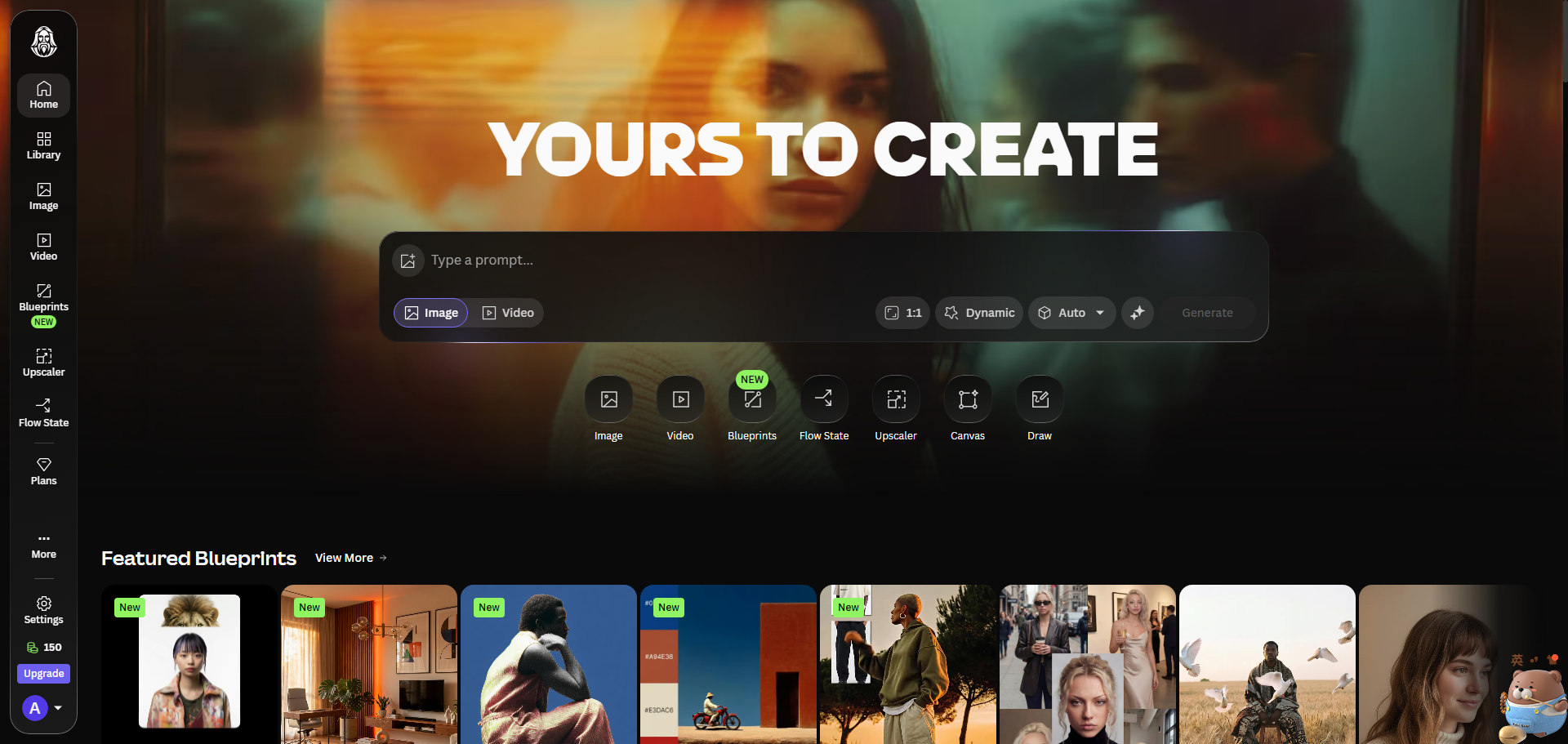
Free Alternative: Using Leonardo.ai’s “Consistent Character” Feature
Leonardo.ai has a built‑in feature called Character Reference (available on paid plans) and a simpler Seed+Guidance method on free tier.
- Generate a character image and note the seed (Leonardo shows it in the generation details).
- On new generations, paste the same seed and increase “Guidance Scale” to 20-25 to lock style.
- For best results, also use the same model (e.g., Phoenix 2.0) and same resolution.
The free tier gives you 150 daily tokens, enough to experiment.
Tips for Better Consistency
- Keep prompts identical except for the action/scene — Copy and paste, then change only the last few words.
- Use the same aspect ratio — Switching from 16:9 to 4:5 changes composition dramatically.
- Avoid style‑heavy modifiers —
--stylize 1000adds randomness, reducing consistency. Keep it below 250. - Use version 6 models — V6 is more consistent than V5 or V5.2.
- Generate multiple variations — Even with seed, you may get 2‑3 different faces. Pick the best one and use that seed for subsequent runs.
What to Do When It Fails
- Face changes completely → Your seed might have been affected by a different prompt length. Shorten your prompt to essential descriptors.
- Clothing changes color → Specify exact colors: “dark blue jacket, brown boots”.
- Background overpowers character → Lower
--iw(image weight) when using image prompts, e.g.,--iw 1.5(range 0.5–2).
Final Thoughts
Perfect character consistency is still challenging with Midjourney, but these methods get you 80‑90% of the way. For projects that require identical characters across hundreds of images (comics, games), consider Stable Diffusion with ControlNet or paid tools like Leonardo’s Character Reference. For most bloggers and creators, seeds and image prompts are more than enough.
FAQ
Q: Does Midjourney have a built‑in character consistency feature?
A: No. The methods above are workarounds. As of 2026, no public AI image tool does this perfectly without extra training.
Q: Can I use this for commercial projects?
A: Yes, as long as you have a paid Midjourney plan. Free tier users don’t own commercial rights.
Q: Why does my character look different even with the same seed?
A: Minor changes in prompt wording, aspect ratio, or stylize value can alter output. Keep everything identical except the action.