














How to Use ChatGPT to Write a Blog Post:A Step‑by‑Step Guide (2026)
How to Use ChatGPT to Write a Blog Post: A Step‑by‑Step Guide (2026)
ChatGPT is great for answering questions, but can it really help you write a full blog post from scratch? Yes — if you use the right prompts and process. In this guide, I’ll walk you through exactly how I use ChatGPT to research, outline, write, and polish blog posts for Heitan Lab. You’ll learn practical prompts, common pitfalls to avoid, and how to keep your content original and valuable.
What You’ll Need
- A free or Plus ChatGPT account (free tier works for most steps)
- A clear topic or keyword you want to write about
- About 30–60 minutes to follow along
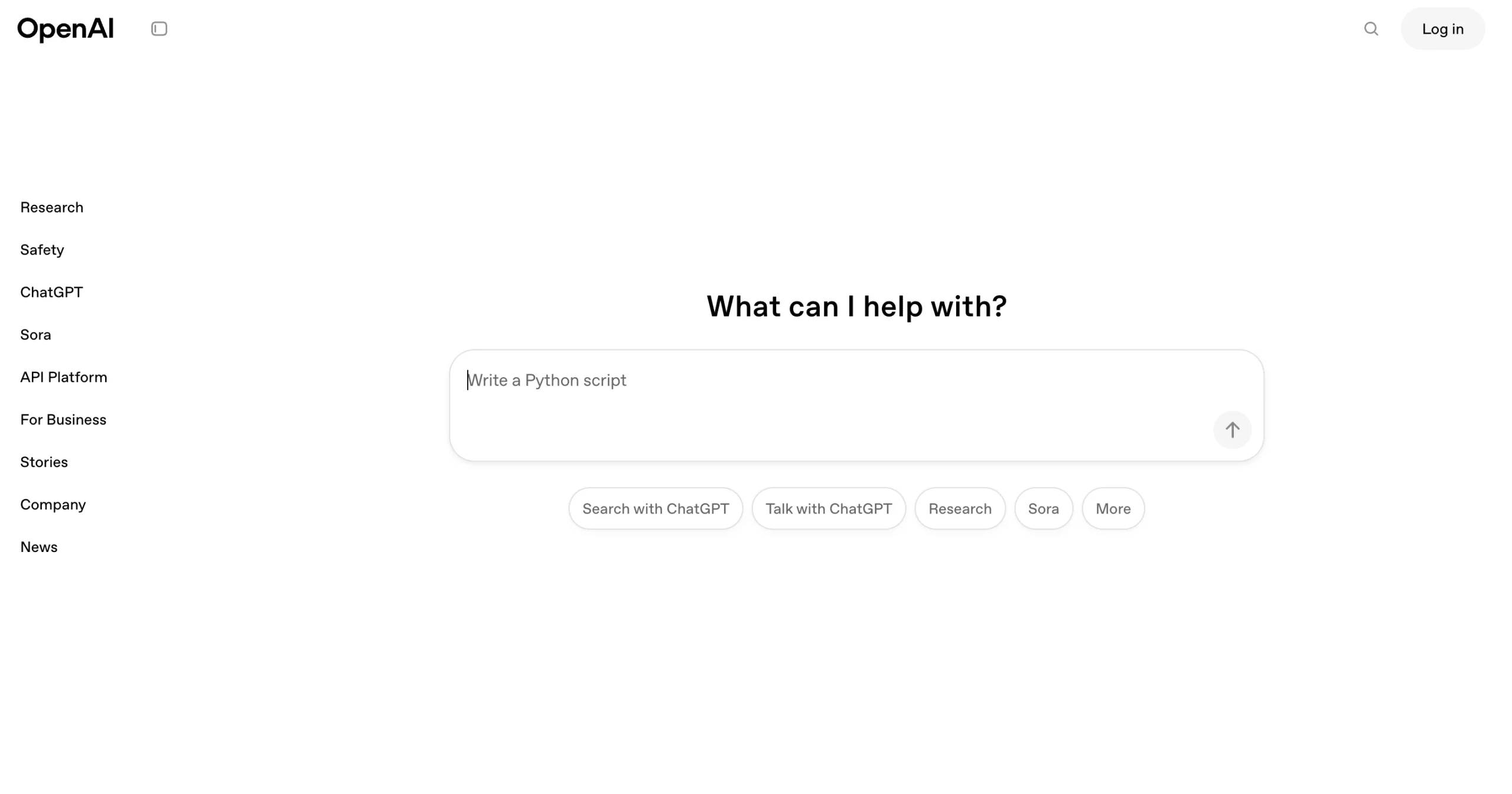
Step 1: Research and Brainstorm with ChatGPT
Start by asking ChatGPT to help you generate topic ideas or gather information about your chosen keyword.
Prompt example (replace “AI tools for small business” with your topic):
“I’m writing a blog post for my website about ‘AI tools for small business’. Give me 10 sub‑topics or angles I could cover, including search intent and potential target keywords.”
ChatGPT will return a list of ideas. Pick 2–3 that resonate with your audience. You can also ask follow‑up questions like:
- “What are the most common questions people ask about X?”
- “Give me a list of statistics or recent trends about X.”
Step 2: Create a Detailed Outline
Never let ChatGPT write the whole article in one go — you’ll lose control. Instead, ask it to build a structured outline.
Prompt example:
“Based on the angle ‘5 affordable AI tools that save time’, create a detailed blog post outline. Include H2 and H3 headings, key points under each, and suggested internal/external links.”
Review the outline. Move sections, add your own insights, and remove anything that doesn’t fit. Your personal expertise is what makes the post unique.
Step 3: Write Section by Section
Now use ChatGPT to draft one section at a time. Provide context from your outline and add specific instructions about tone, length, and examples.
Prompt example for an introduction:
“Write a 150‑word introduction for a blog post titled ‘5 AI Tools That Save Small Business Owners 10+ Hours a Week’. Use a conversational but professional tone. Hook the reader by mentioning the pain point of juggling too many tasks.”
For each subsequent section, paste the heading and key points you want covered. Always review and rewrite parts to match your voice — ChatGPT tends to over‑explain simple concepts.
Step 4: Edit and Humanize the Content
Once you have a full draft, use ChatGPT as an editing assistant.
- Shorten sentences: “Rewrite this paragraph to be more concise.”
- Change tone: “Make this section more actionable and less academic.”
- Add transition: “Add a sentence that smoothly connects the previous paragraph to this one.”
- Check clarity: “Explain this concept as if to a beginner.”
Don’t rely on AI to catch everything. Read the post aloud, fix awkward phrasing, and add your personal stories or examples.
Step 5: Add Original Elements AI Can’t Provide
To make your post rank and engage readers, include at least two of these:
- Your own screenshot or test result
- A real‑life example from your experience
- A comparison table you built manually
- A unique opinion or prediction
Google’s E‑E‑A‑T rewards original, first‑hand expertise. AI is a tool, not a replacement.
Step 6: SEO Optimization with Rank Math
After you paste the final content into WordPress, use Rank Math to fine‑tune:
- Set your focus keyword (e.g., “how to use ChatGPT to write a blog post”)
- Check the SEO title and meta description
- Ensure at least one H2 contains the focus keyword
- Add internal links to your related articles
- Set the featured image and schema type (Article or How‑To)
Common Mistakes to Avoid
- Publishing without editing — AI content always needs a human touch.
- Using generic prompts — Be specific about tone, length, and audience.
- Skipping fact‑checking — ChatGPT can hallucinate dates, names, and stats.
- Ignoring your voice — Add your personality, jokes, and opinions.
Final Checklist Before Publishing
- [ ] Outline approved by you
- [ ] Each section reviewed and edited
- [ ] At least one original image or screenshot
- [ ] Focus keyword in H2 and first 100 words
- [ ] Internal links added
- [ ] Rank Math score ≥ 70
Using ChatGPT as a writing assistant can cut your production time in half — if you follow this structured process. Now go write your next post!
FAQ
Q: Can ChatGPT write a whole blog post for me?
A: Technically yes, but the result will be generic and unlikely to rank. Use it as a drafting tool, not an author.
Q: Does Google penalize AI‑generated content?
A: Google rewards helpful, original content regardless of how it’s produced. But purely AI‑generated, unedited content is often not helpful.
Q: Which ChatGPT plan do I need?
A: The free tier (GPT‑5.3) is enough for most steps. Plus ($20/month) gives you faster responses and web browsing for research.