



















Microsoft 365 Copilot Multi-Model Update: The Best New Feature
Microsoft 365 Copilot Multi-Model Update: The Best New Feature
Published: April 19, 2026
Reading time: 3 minutes
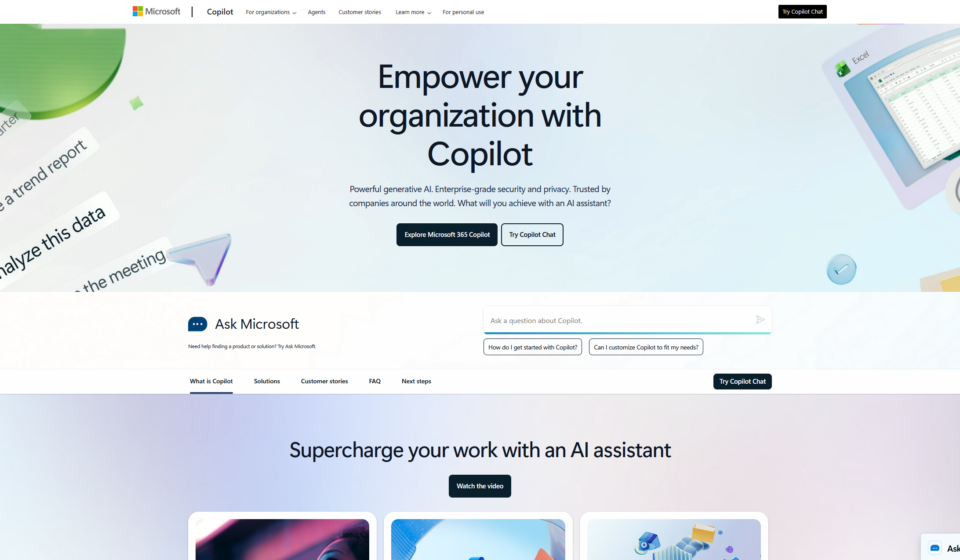
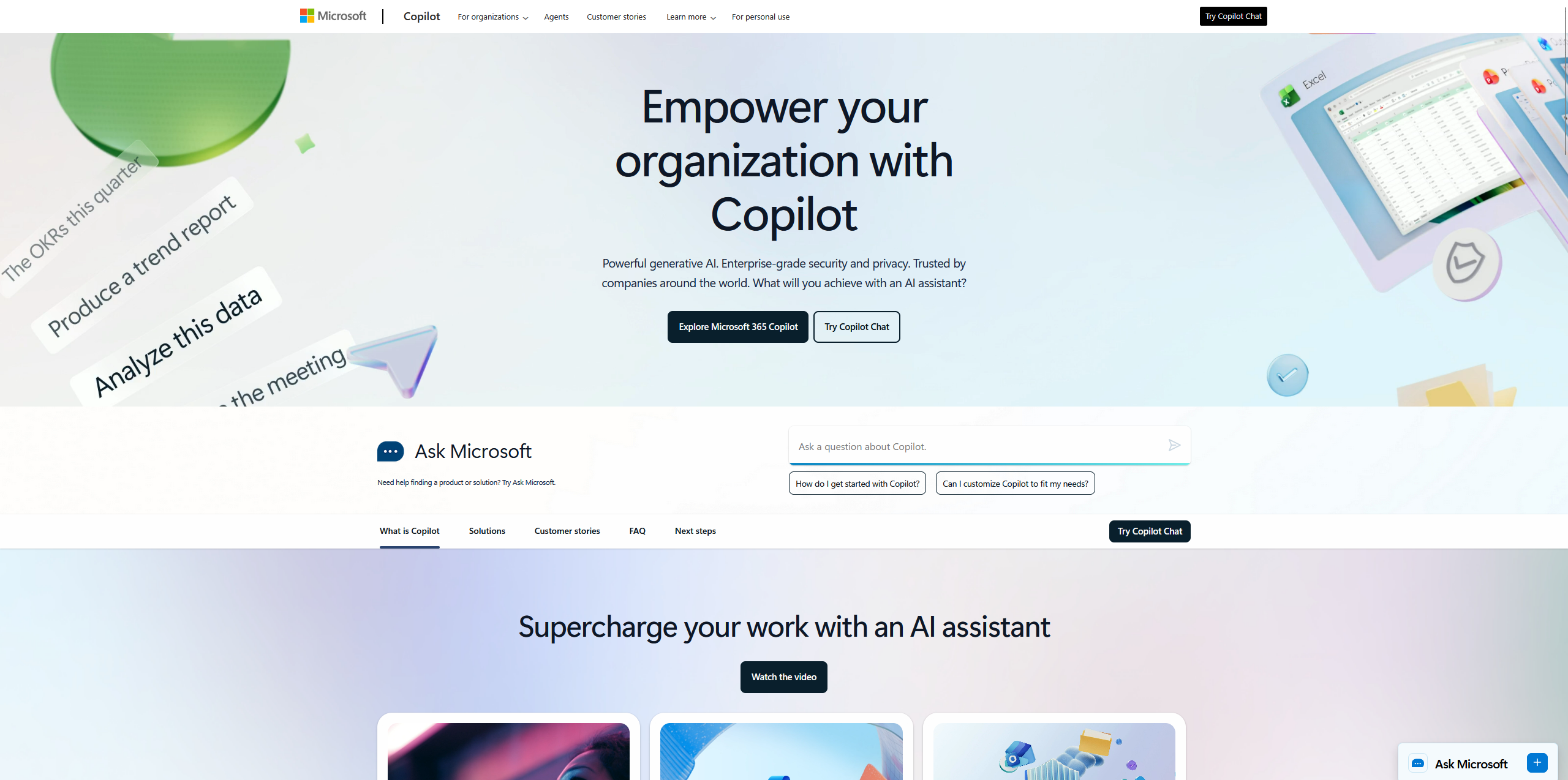
I’ve been using Microsoft 365 Copilot for over a year. It’s great for drafting emails and summarizing meetings, but I always had to double‑check its facts. Yesterday, Microsoft announced a quiet but huge update: Copilot’s Researcher agent now uses multiple AI models – GPT for writing, Claude for reviewing. I spent a few hours testing it. Here’s my honest first‑person take.
What actually changed?
Microsoft isn’t replacing GPT. Instead, they added a second AI (Claude from Anthropic) as a “reviewer” inside the same workflow. Here’s how it works now:
- GPT‑5 writes the first draft.
- Claude fact‑checks and suggests corrections.
- A third “orchestrator” model decides when to accept or re‑run the review.
Microsoft calls it “multi‑model intelligent orchestration.” I call it two AIs arguing to give me a better answer.
My quick test – what I did
I opened Word Online and asked Copilot to write a 500‑word product update for my blog about AI image tools. I added one fake fact on purpose: “Leonardo.ai released an 8K video model last week.”
Here’s what happened:
- ✅ The first draft was cleaner than usual – fewer repetitive sentences, better flow.
- ✅ Copilot flagged my fake fact and asked me to confirm the source. It never did that before.
- ❌ The whole process took about 25 seconds – noticeably slower than the old single‑model version.
- 🤔 For short emails (under 100 words), the extra delay felt unnecessary.
Why this matters for you
If you use Copilot for research, reports, or long content:
- Fewer hallucinations. The Claude reviewer catches obvious mistakes.
- Better for data‑heavy requests. I’d trust it more to summarize a 20‑page report.
- Slower for simple tasks. For one‑sentence replies, I still prefer the old fast mode.
My honest take (no hype)
I’m impressed, but not blown away. The multi‑model idea is smart – it solves a real problem. But the speed trade‑off is noticeable.
Will I change my workflow? Partially. For anything longer than 300 words, I’ll let the new Copilot run. For quick emails or Slack messages? I’ll stick with the faster single‑model mode (which Microsoft still offers in settings).
If you’re a blogger, marketer, or student – this update is worth turning on. Just be patient.
🔗 Official link
Microsoft 365 Copilot updates page
I’ll keep testing it over the next few days – especially with spreadsheet data and longer documents. If I discover anything new, I’ll update this post.
— Heitan Lab